
THE ELEMENTS OF YOUR EVENT
As you likely noticed when you created your organization, we do as much as possible to get you started. The system is very powerful and can seem overwhelming until you play with it. The menu on the left is your guide to both event setup and operations. The libraries are there for you from event to event. Same with the Judge Pool.
- Edit event details (Event Basics area)
- Assign competition classes to your event
- Create voting ballots for your event
- Create competition rounds and assign judges
- Add contestants (import batches or add singles for testing or live event)
- Administer scores entered by judges in any competition classes you may host
THE WORK AREA
At first glance, there's a lot of great information in your work area. Let's review it:
Left Menu
The left menu consists of
- Event Setup. These items all relate to setting up the event you are currently working on. They only appear after you choose your event from the EVENT LIST at the top of the left navigation area).
- Event Operations. This section handles your "day-of" management tools like contestant lists, entry lists and scoring admin area.
- Competition Libraries. These are your reusable components like competition classes, judged elements, evaluation criteria, elective options, etc.
- Organization. You can manage your judge pool and multiple organizations, each with their own account under your login.
- Help. You've already discovered that one!
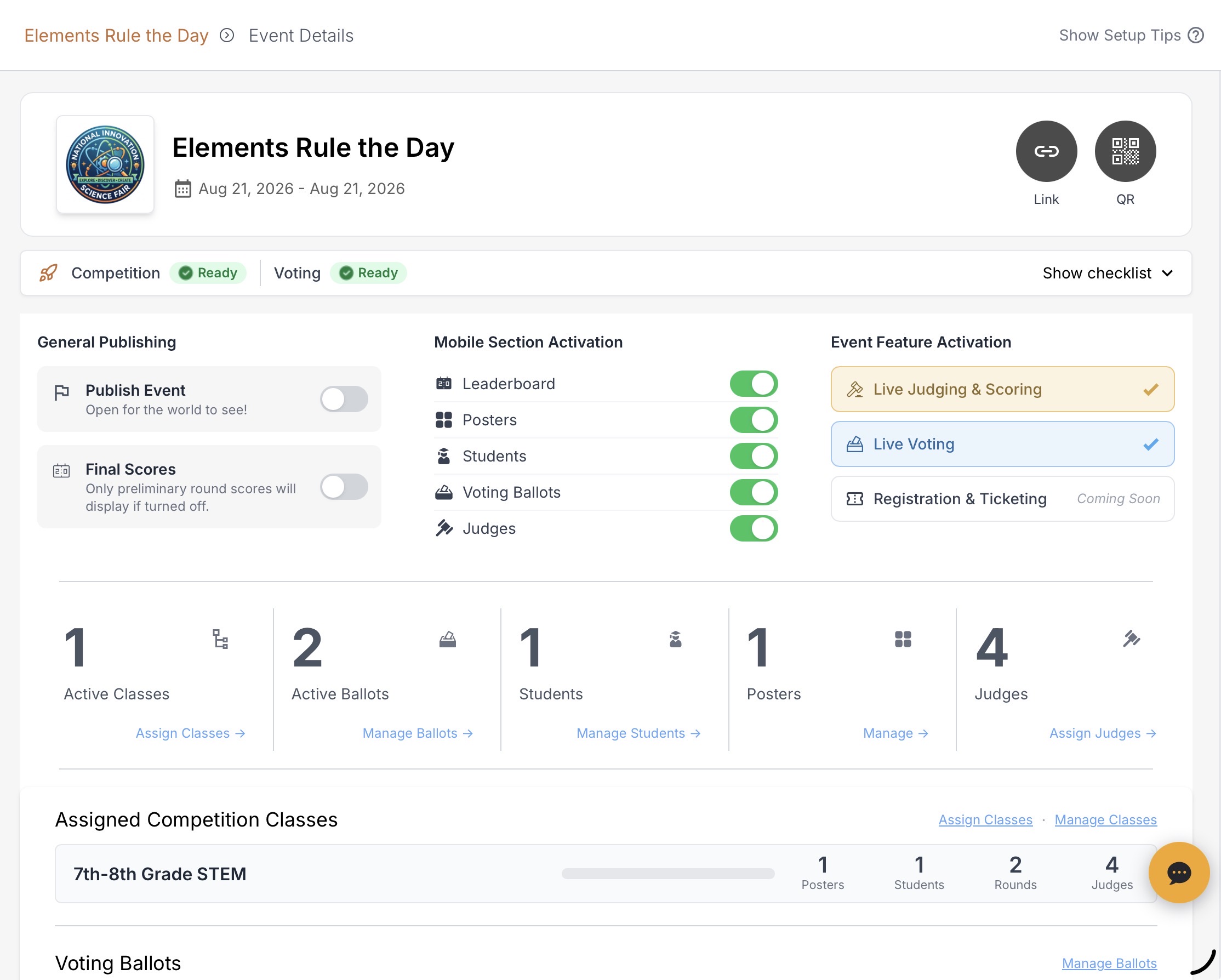
Main Section
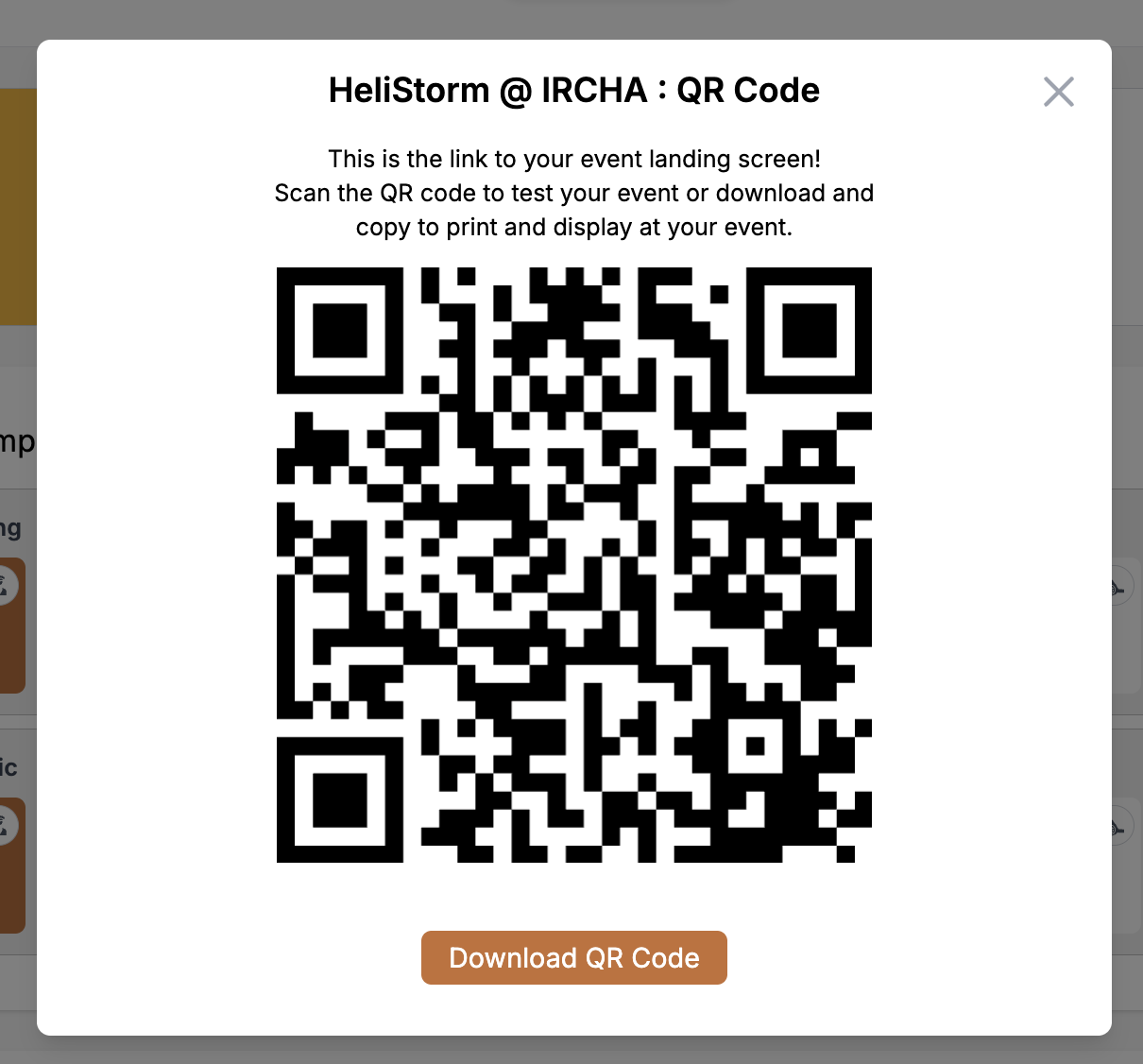
The center section is fairly self-explanatory. Use the icons to generate a link or QR code that will guide users directly to your mobile event landing page. Click the gear icon to edit basic event attributes.
SET UP YOUR COMPETITION CLASSES FIRST
We will get you started with sample classes, judged elements and evaluation criteria, but you will want to modify or create entirely new classes. Learn about setting up classes here.