In the Classes & Judges area for your event, you'll be able to assign multiple judges to each class and specify whether ALL the judges must judge all contestants or whether exactly X judges need to judge each contestant. Before you can assign judges, you must have judges in your Judge Pool.
Assign Judges
Click the EDIT button for the class you wish to assign judges to.

In the assignment block, simply choose the judges you wish to add. You can click the crown icon on one or more judges to permission them as "head judges." A head judge can assign K-factor (difficulty) scores. That's the only permission difference.
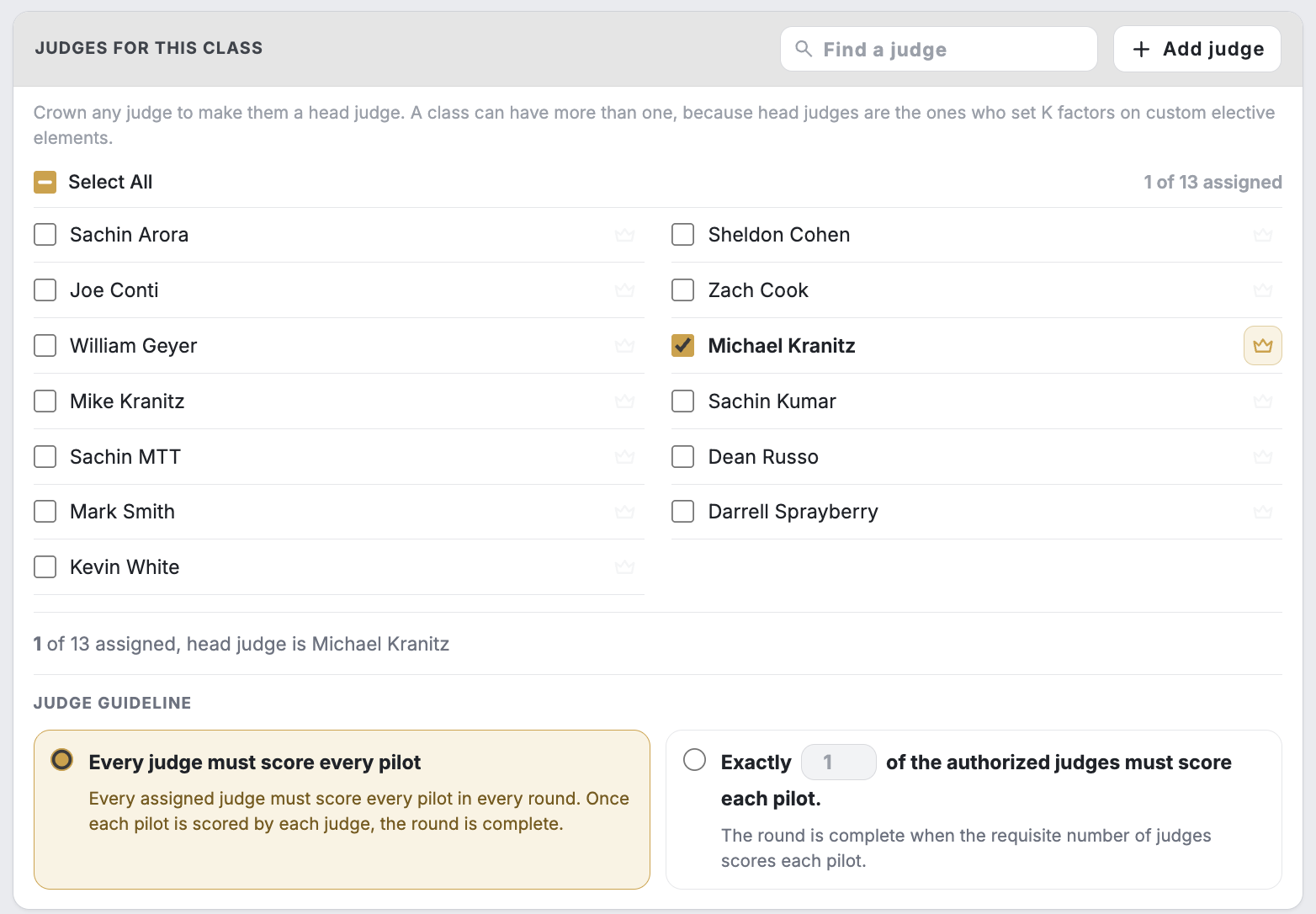
Judging Rule
In most cases, you will choose "Every judge must score every contestant." But, there may be events which have a pool of judges for each class. In this case, you can specify that X number of those pooled judges must judge each contestant before judging is locked for that contestant. This works well in large contests, like science fairs, during which the host wants to ensure that each student gets at least X number of judges reviewing their work.

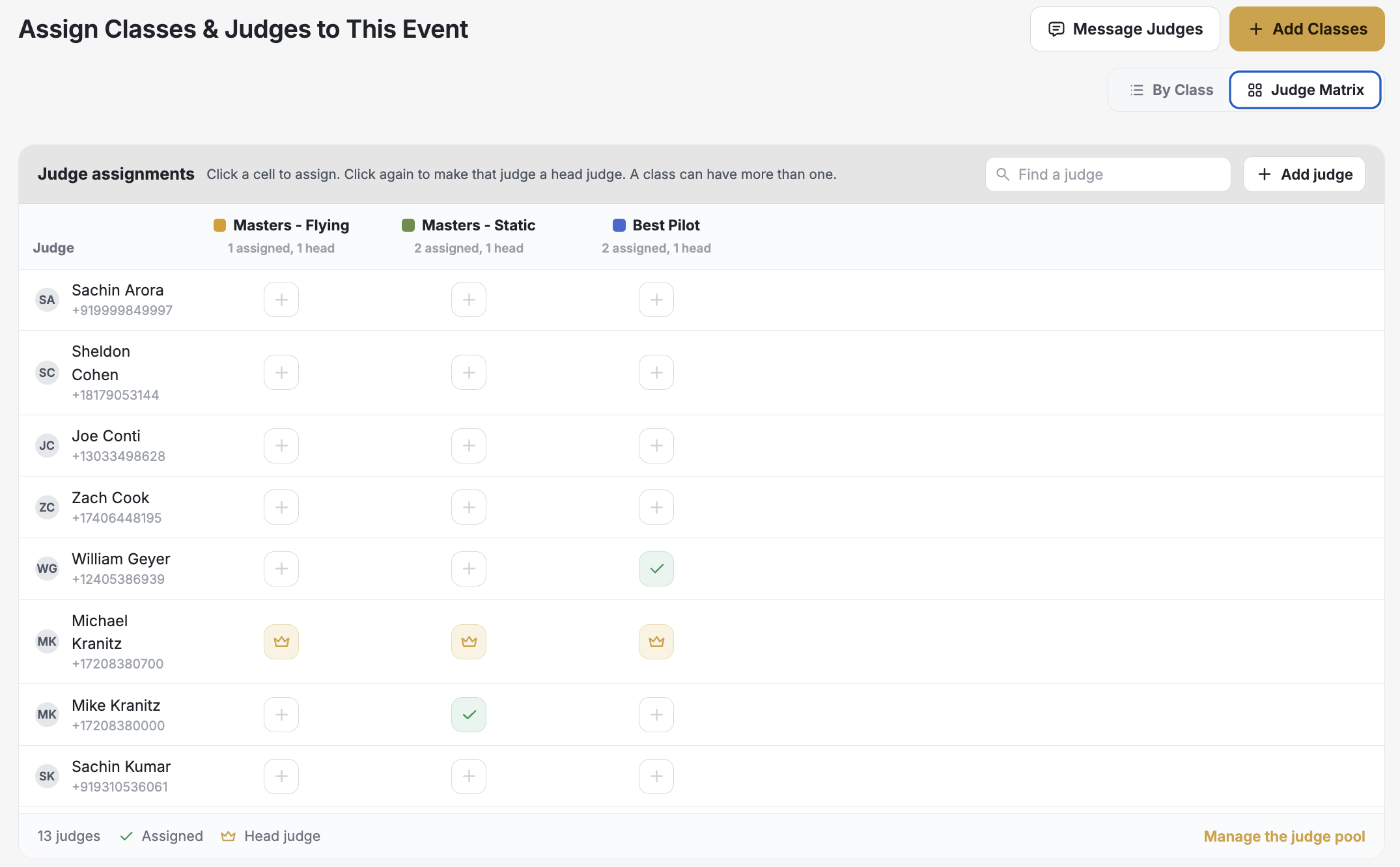
Judge Matrix
The judge matrix is a convenient panel that allows you to quickly assess which judges are judging which classes (and make changes to those assignments).