
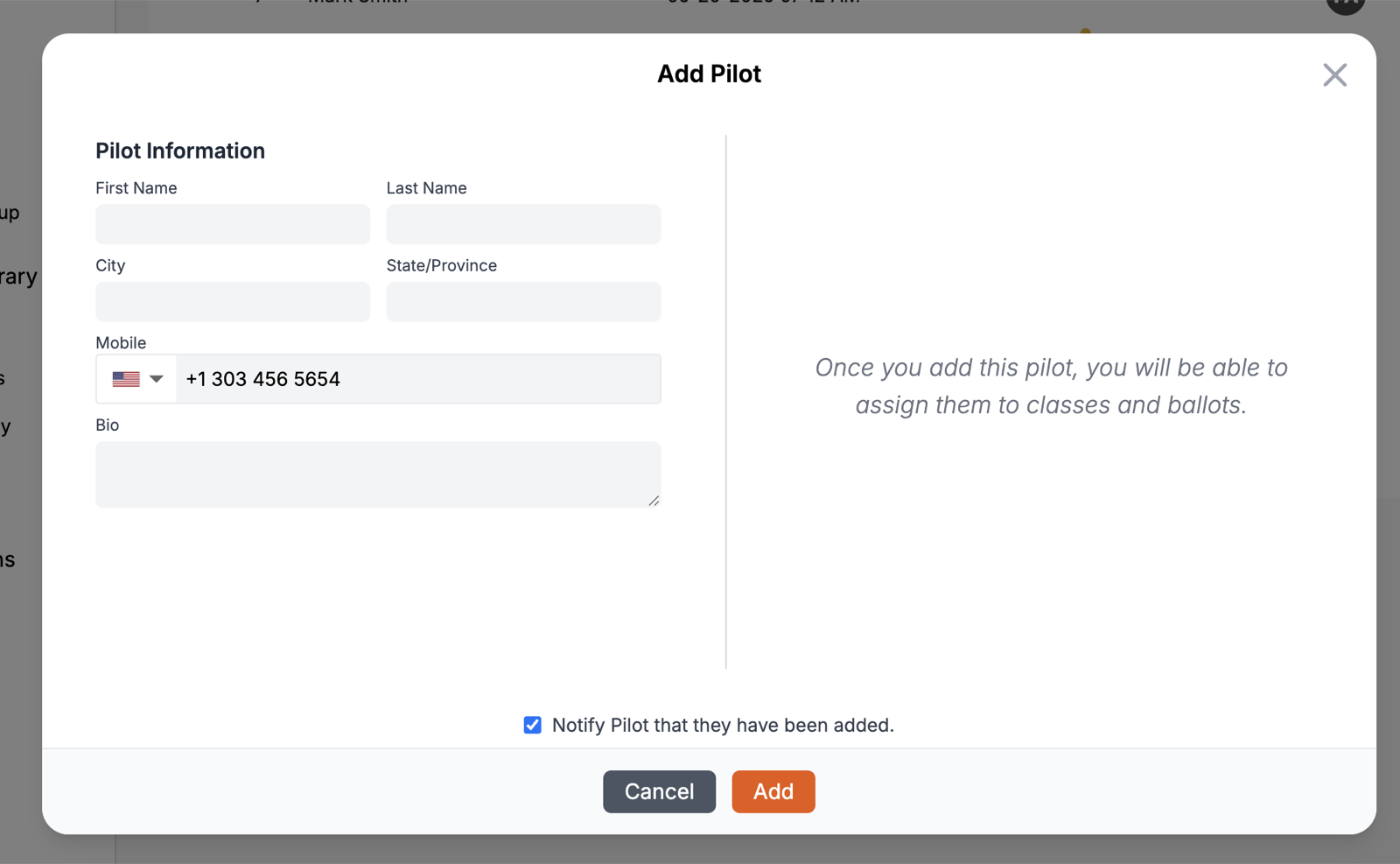
LiveJudge™ has three ways for contestants to be entered into the system. All three require the contestant's mobile number, which is how LiveJudge identifies them across your events and how they sign in. A contestant cannot be created without one. The three ways:
- You may enter individual contestants by clicking the "Add" button
- You may import contestants from a spreadsheet or csv file
- You may activate "self-registration" for the event (and for individual scoring classes).
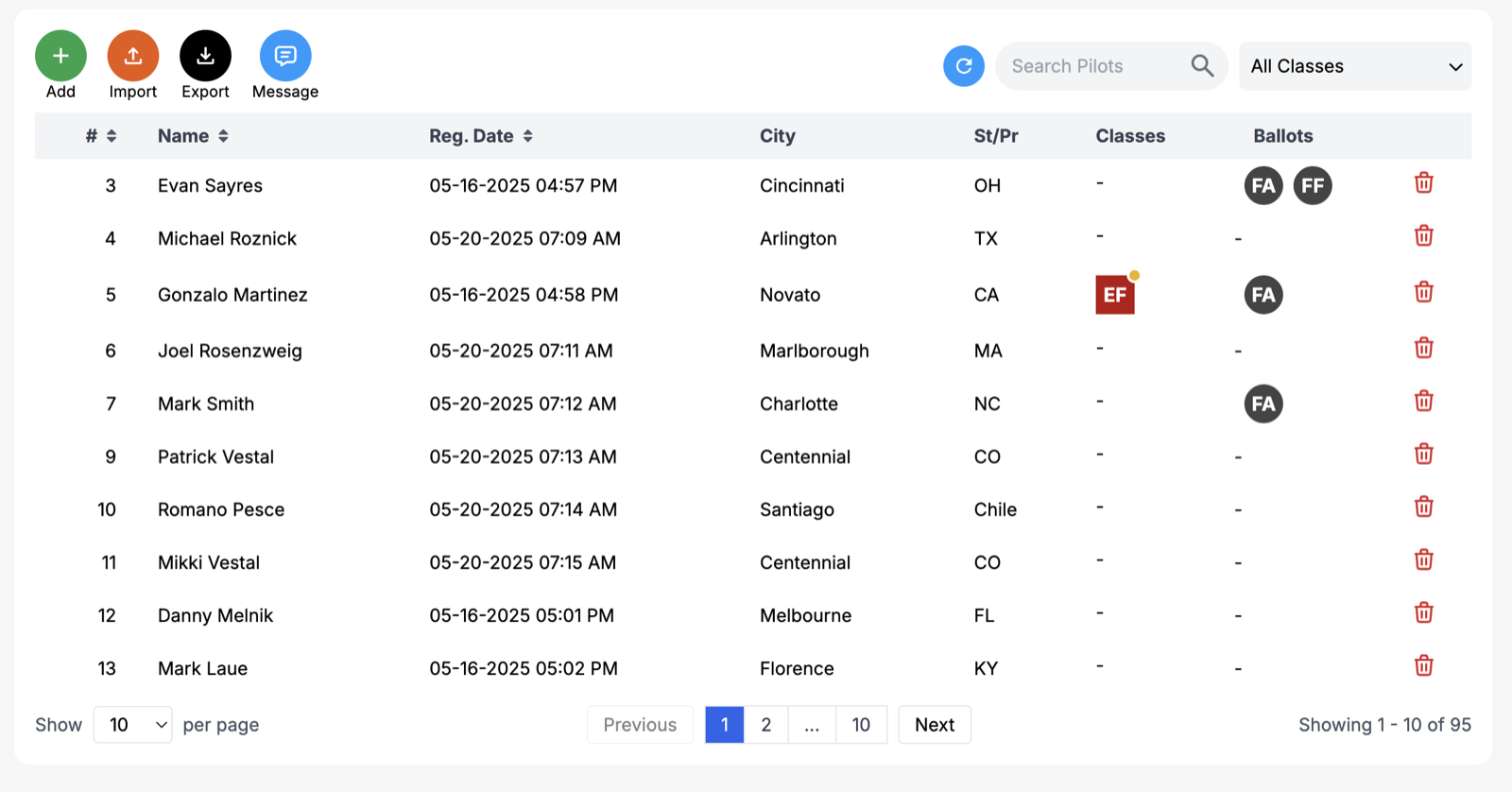
What Happens When You Add a Contestant?
When you import or manually add a new contestant to an event, you can choose whether to text them to say so. The mobile number itself is required either way; what is optional is only whether they hear from us right away. Once they are in, they are free to access the LiveJudge app via their mobile device and make changes to their personal profile, avatar, entries and class participation (if you allow that).
Can I Message Contestants?
You can communicate with your contestants right from the contestant list! Message one or more whenever you want!
Can I Add Entries on Behalf of Contestants?
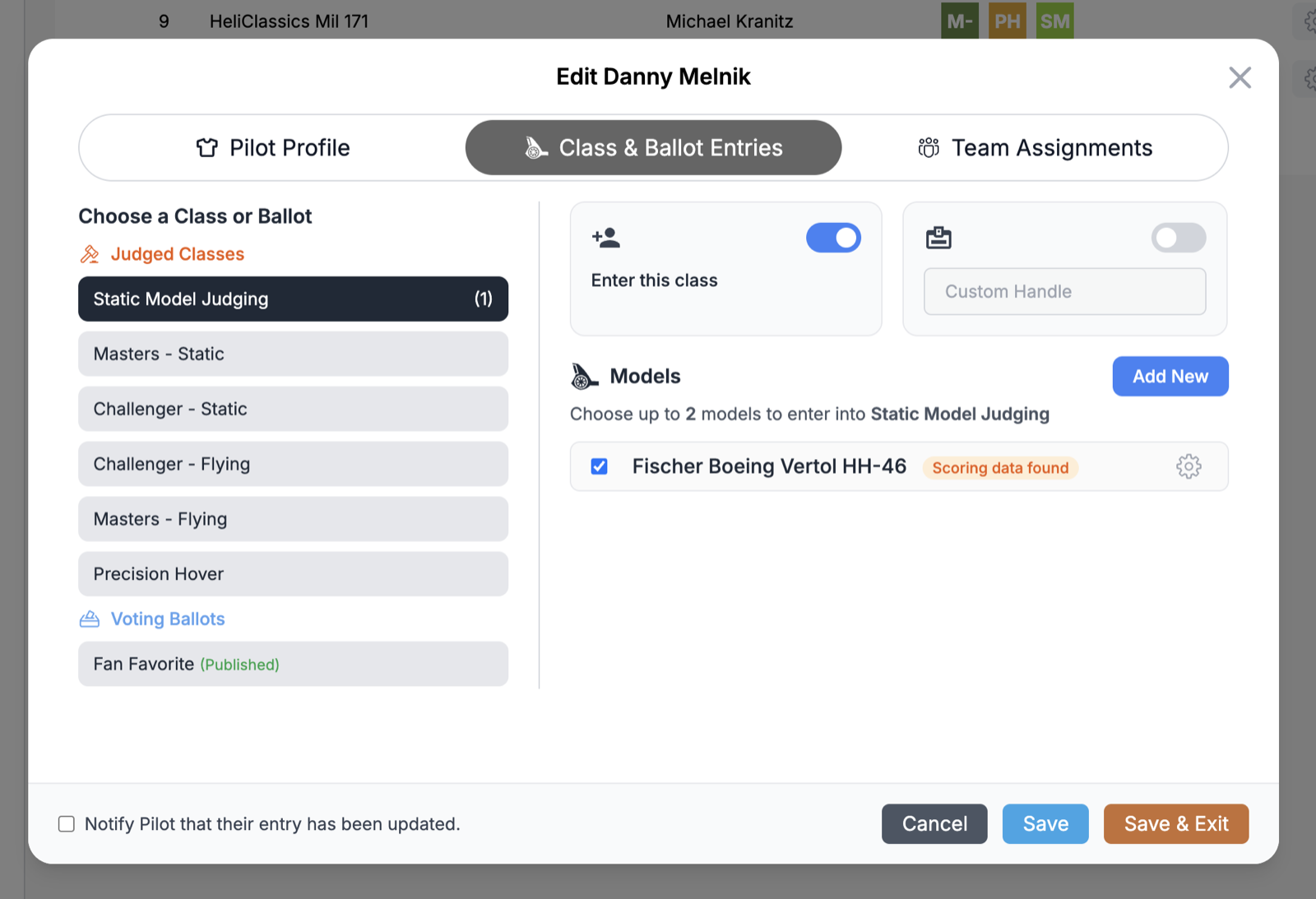
Yes, though you still need each contestant's mobile number to create them in the first place; only the entries themselves need nothing further from the contestant. For competitions with entries (e.g. cars, boats, science posters, etc.) you can not only add the contestant, but also enter the contestant into competition classes and ballots. For each class that accepts entries, you can create and assign entries to that class. Of course, contestants are free to enter classes that you open for "self-registration." In classes that are closed for self-registration, the contestant can still create and assign their entries to those classes.
How Do Contestants Sign Into the App?
On your main Event Basics dashboard, you will see an icon with a QR code. Click this to pop up a giant, savable QR code that leads directly to your mobile event landing page! We do NOT require passwords. We allow judges and contestants to sign into the app using their mobile phone and a security code that we text message them.