
To get started as an event host, you must use a laptop or large tablet. Although the mobile front-end of the software has some administrative tools for you to use during the event, the setup requires more screen area.
Even if you have multiple events, you only need to register ONCE!
You can create as many organizations as you would like and invite individuals to join any of those organizations as an administrator.
In the ORGANIZATIONS section, there are two areas: 1) Settings and 2) My Organizations.
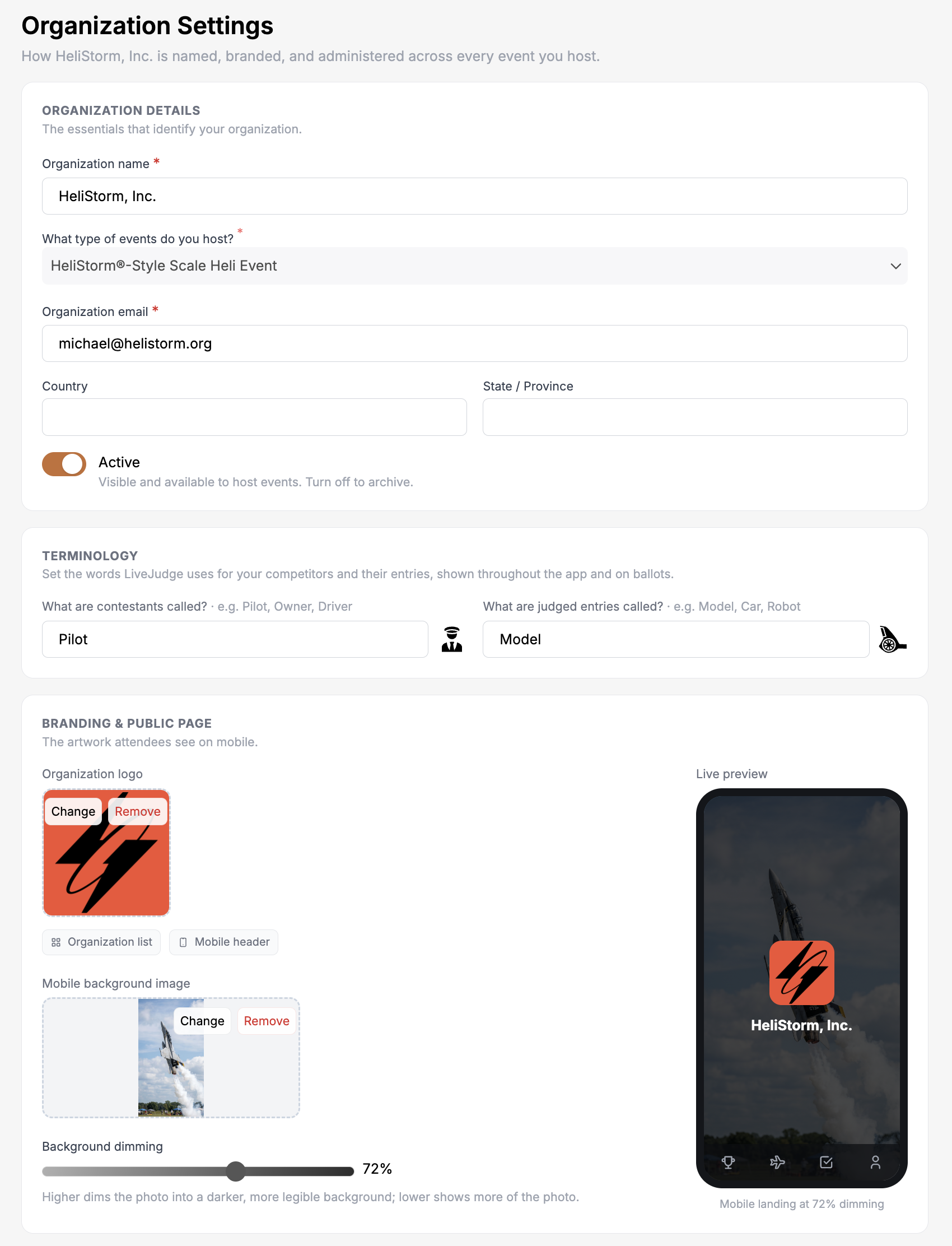
Organization Type
Once you register your organization, you cannot change the types of events that organization hosts. If you host more than one type of event, just create another organization! You may need to upgrade your subscription to do this.
Terminology
Take a moment to customize how contestants and entries (if applicable) are represented to your attendees. You can choose both the label and an appropriate icon.
Background Graphic - Mobile View
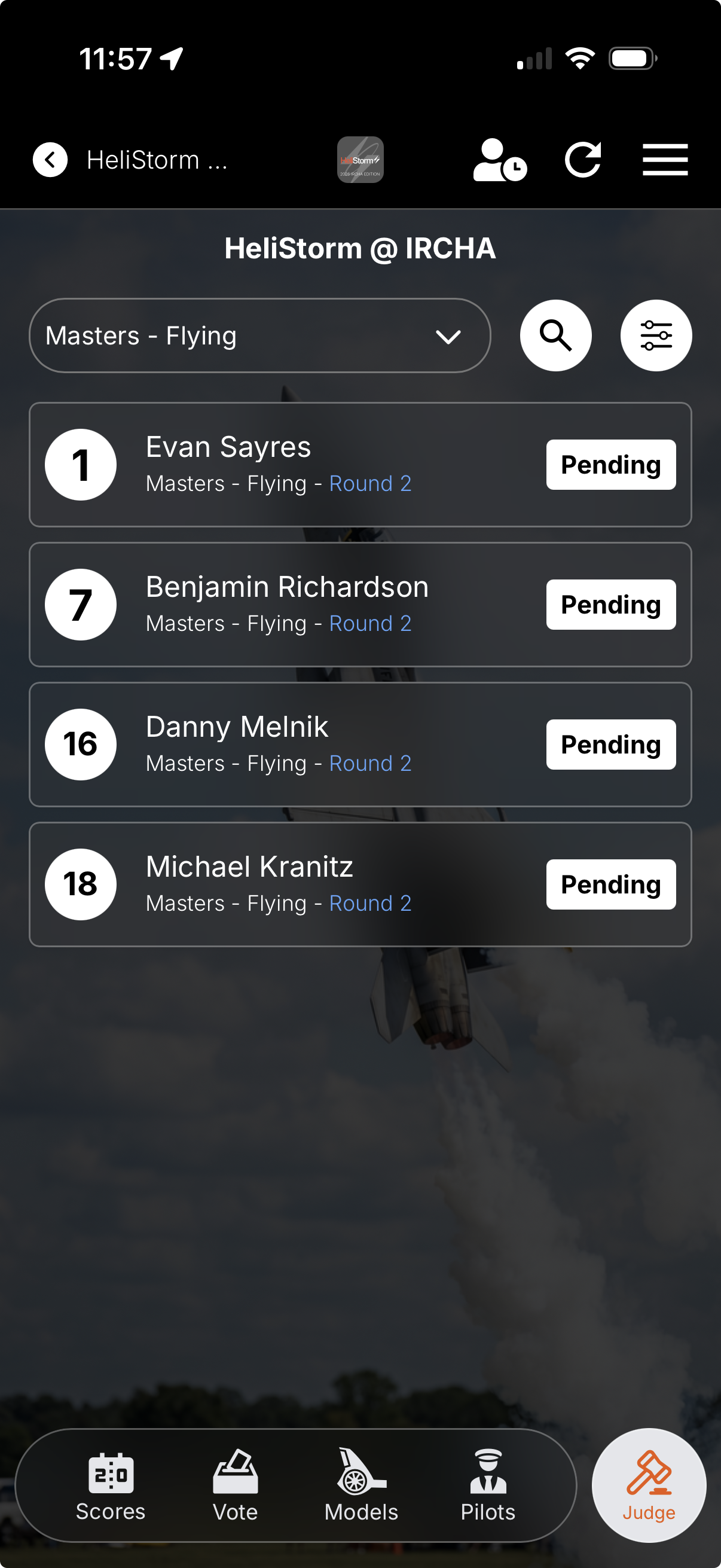
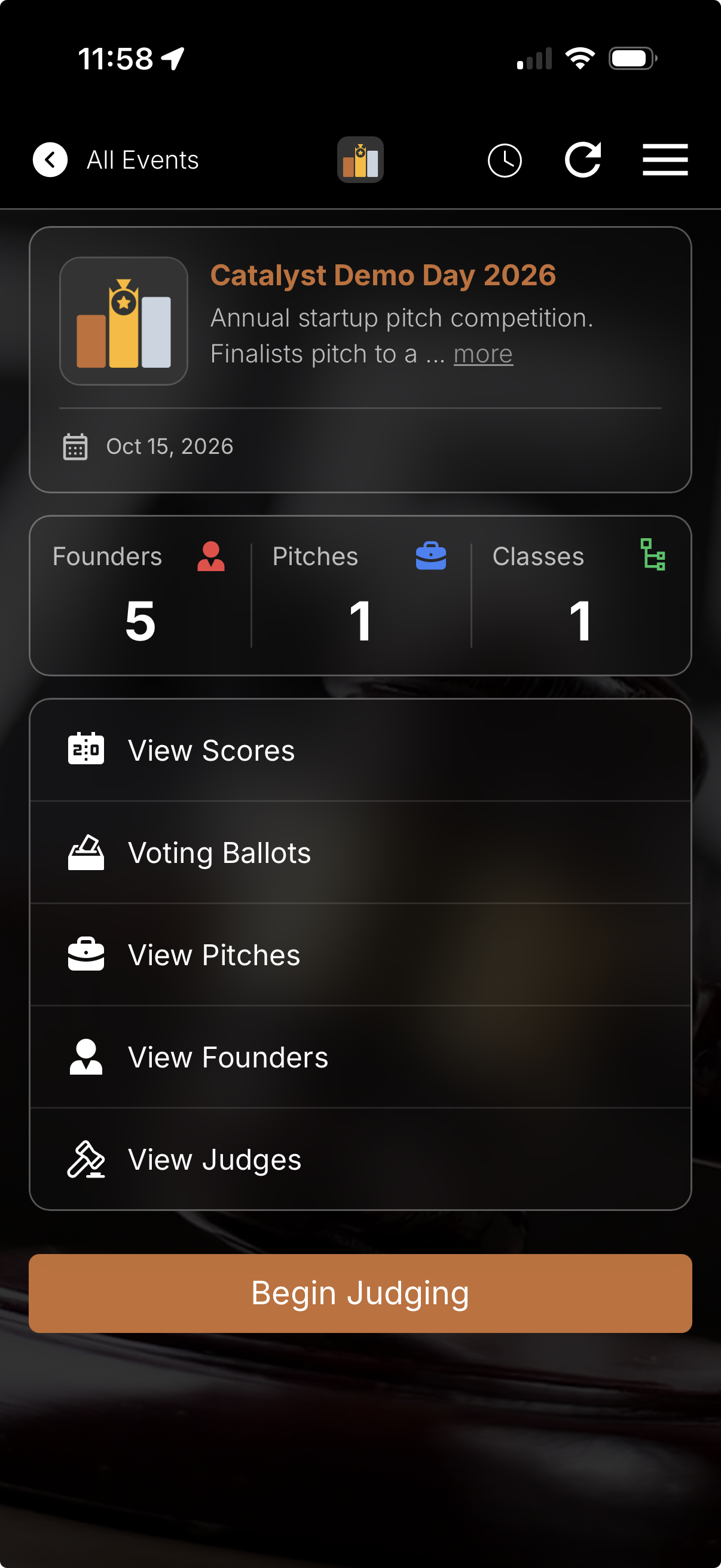
In the branding area, you'll see that you can upload a background graphic to appear in the mobile view of your app. You can set the opacity of the graphic by using the slider control.
This, combined with your organization's logo atop the screen, gives the app a truly customized look for your event.
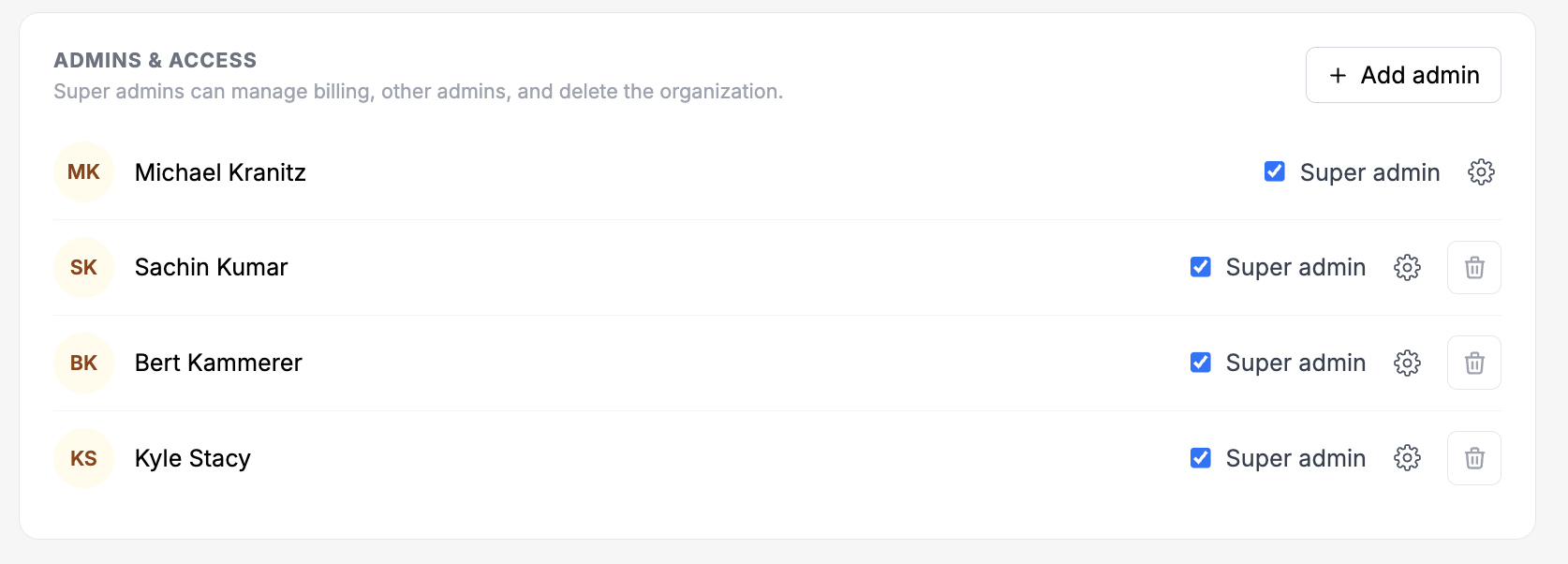
Admin Users
Adding administrative users is simple. Just have their mobile phone number handy and you can add them in seconds.
Note: for each you can also include a "Sponsored by" logo at the bottom of the main screen. This is useful for raising revenue from sponsors! Set this in the Event Basics area.