
Divided into 4 sections, the Event Basics area will tend to be a set-it-and-forget-it exercise.
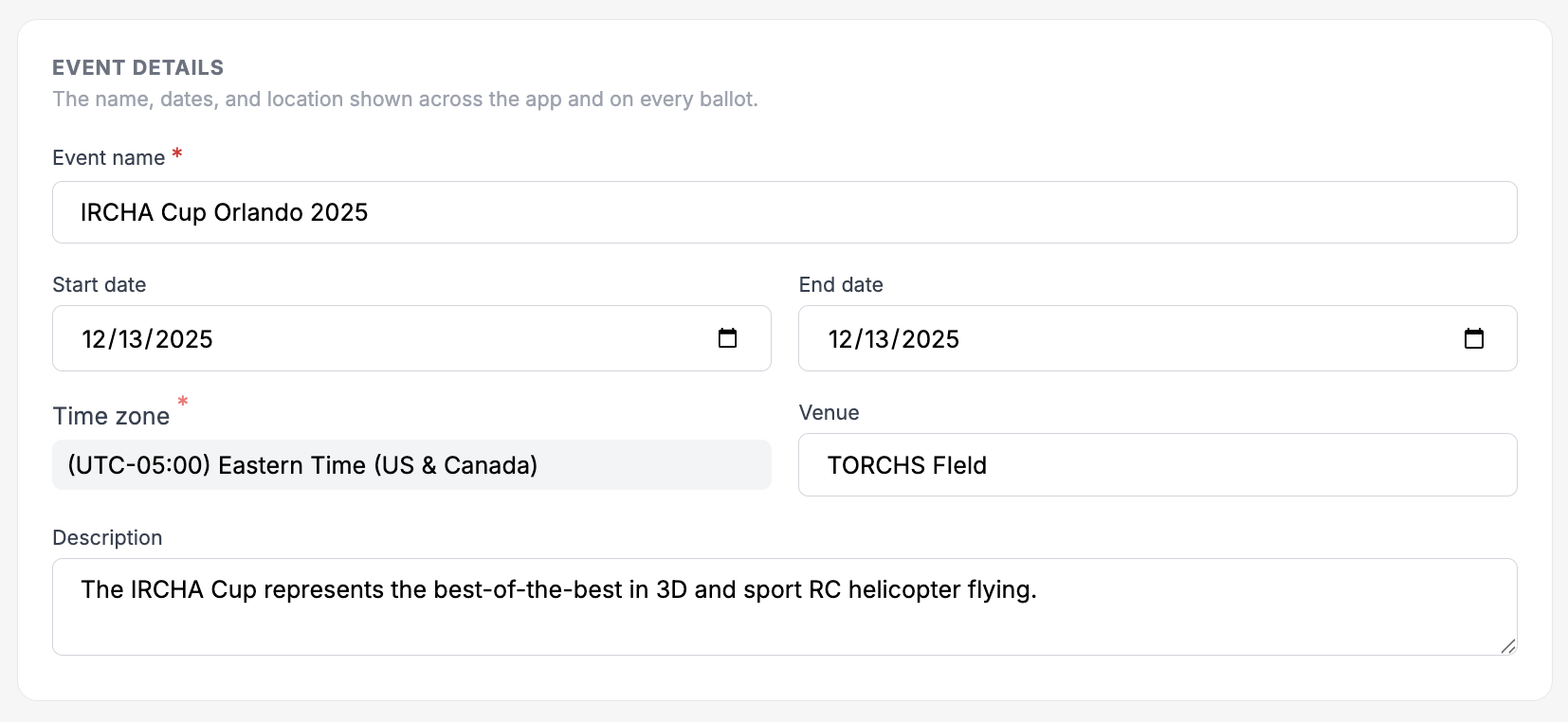
Event Details
Get the basic information set early. Time zone will be important for scheduling and a short description will be used on the mobile instance so spectators and contestants can understand what your event is all about.
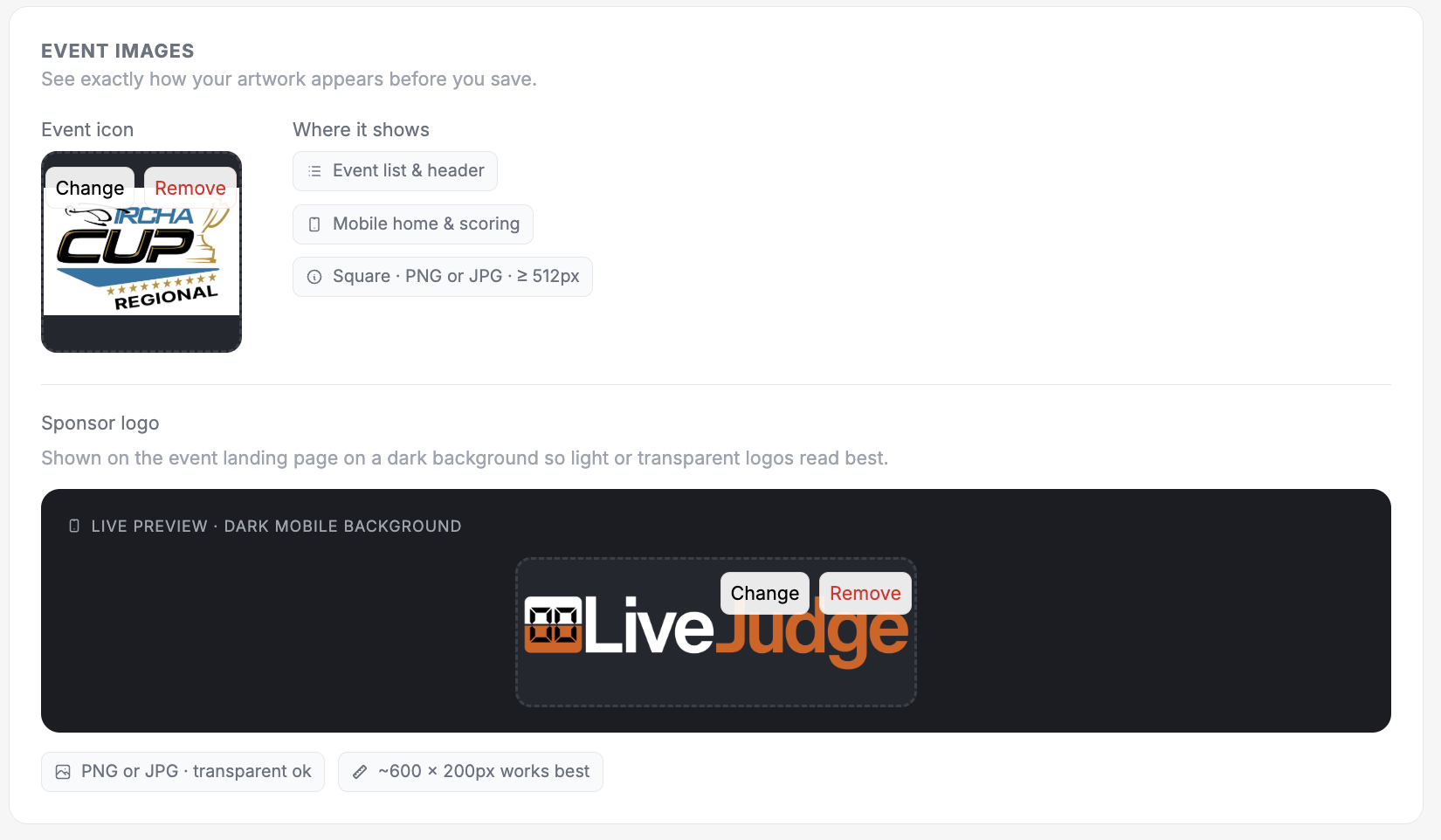
Event Images
Get your graphics uploaded -- especially your event logo. It adds polish and legitimacy to your event.
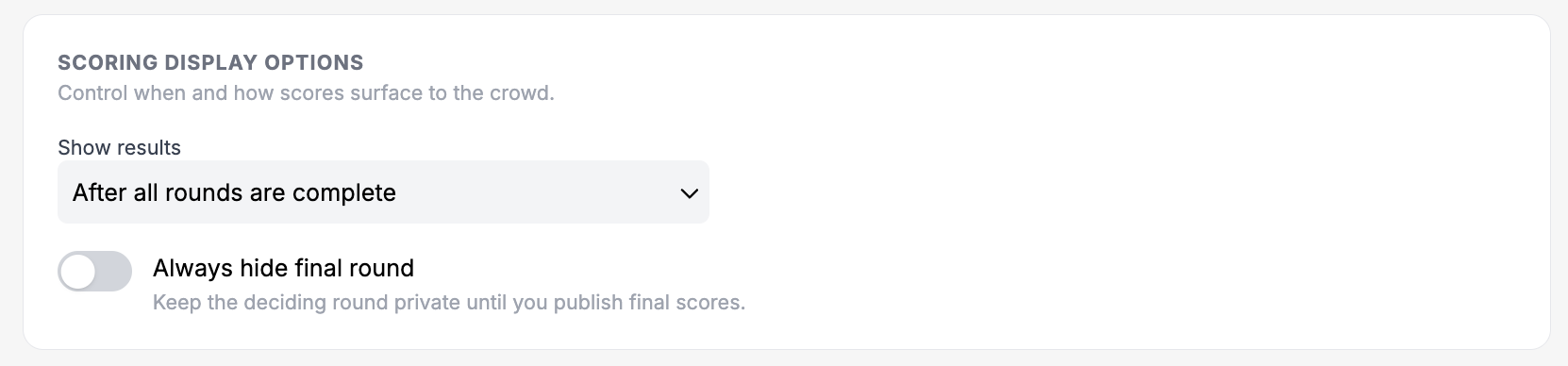
Scoring Display Options
The display options will dictate when the public can see your scores in both preliminary and final rounds. There is an additional toggle at the top of the Event Dashboard which let's you quickly make scores public subject to the rules set here.
Document Options
For certain entry-based event types, the host may wish to allow documents to be included in the entry details. The settings here determine whether to even allow document uploads (e.g. spreadsheets, slide decks) and whether to expose them to the public or keep them accessible only to judges.
