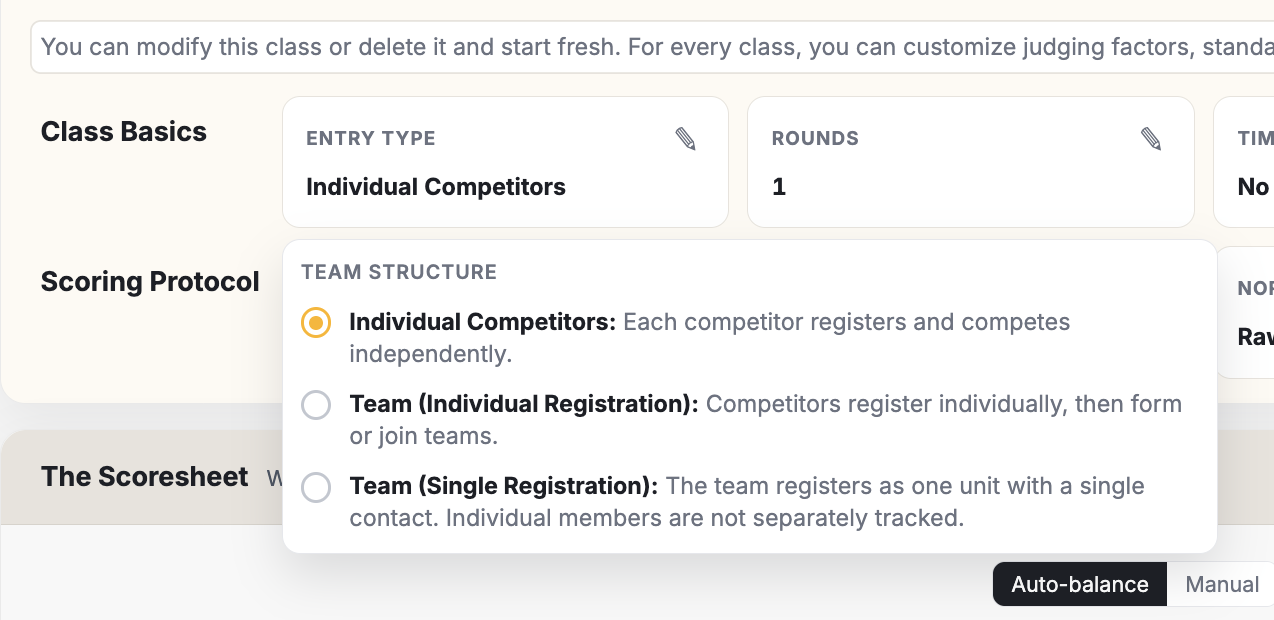
Two ways to do teams
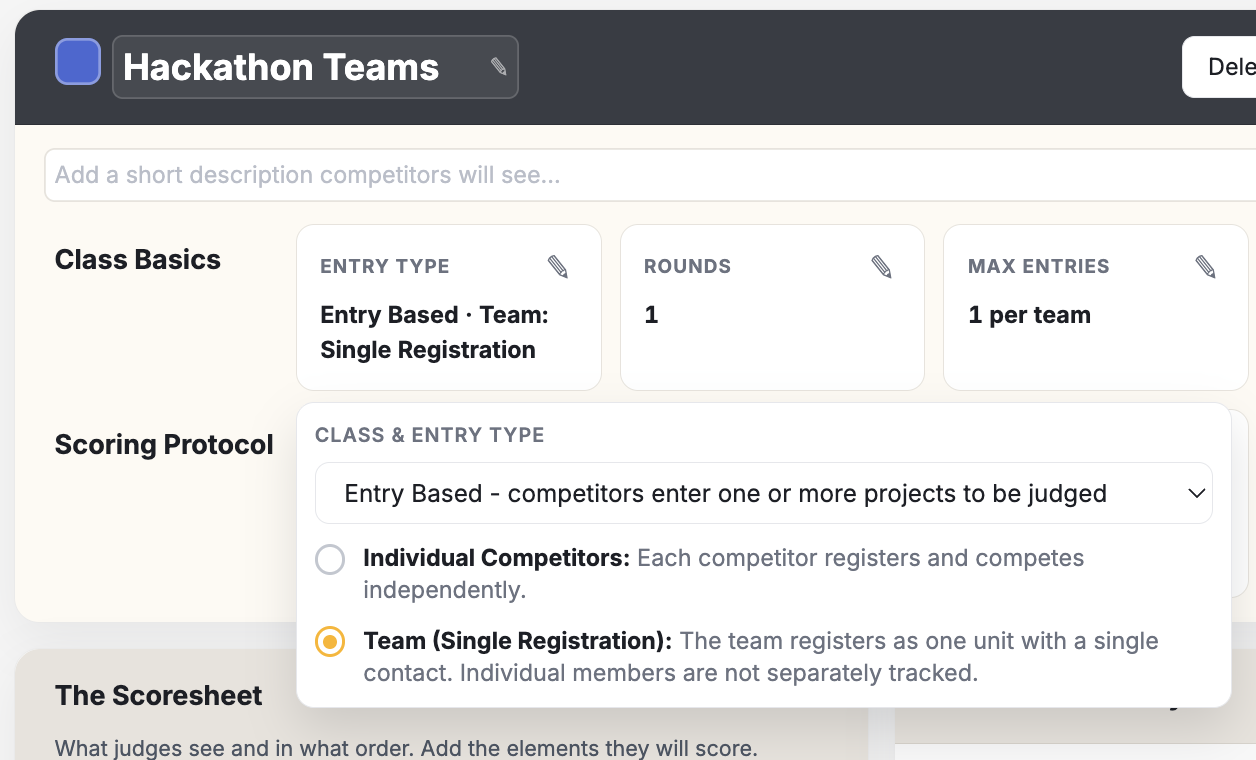
Single Team Registration
Each class can have its own method of accommodating teams. The most popular and easiest to manage is the "Team (Single Registration)" method. With this method, only ONE person from the team registers and assigns a team name. There is no need to register individual members of the team. With this method, the judges see the team and they score the team.
Self-Organizing Teams
If your event is based on individual performances with no physical "entries" (think gymnastics, skateboarding, dance), then you have two options for setting up competition class teams. You can permit teams to register as one unit with a single contact or you can allow each team member to register individually and then form teams inside the app. If you choose the latter method, understand that the first individual who forms a team will name it and then "draft" other team members.
- For individual-based events (e.g. dance, snowboard, cheer), you have two team options.
- Self-organizing teams can create themselves on the fly. Great for spontaneously changing teams per class.