
After scanning your event QR code, contestants sign in with their phone number and a texted access code — no accounts, no passwords — and land directly on the entry screen, where everything they can enter is organized into three sections: Composite Awards, Judged Classes, and Voting Ballots, each with live status.
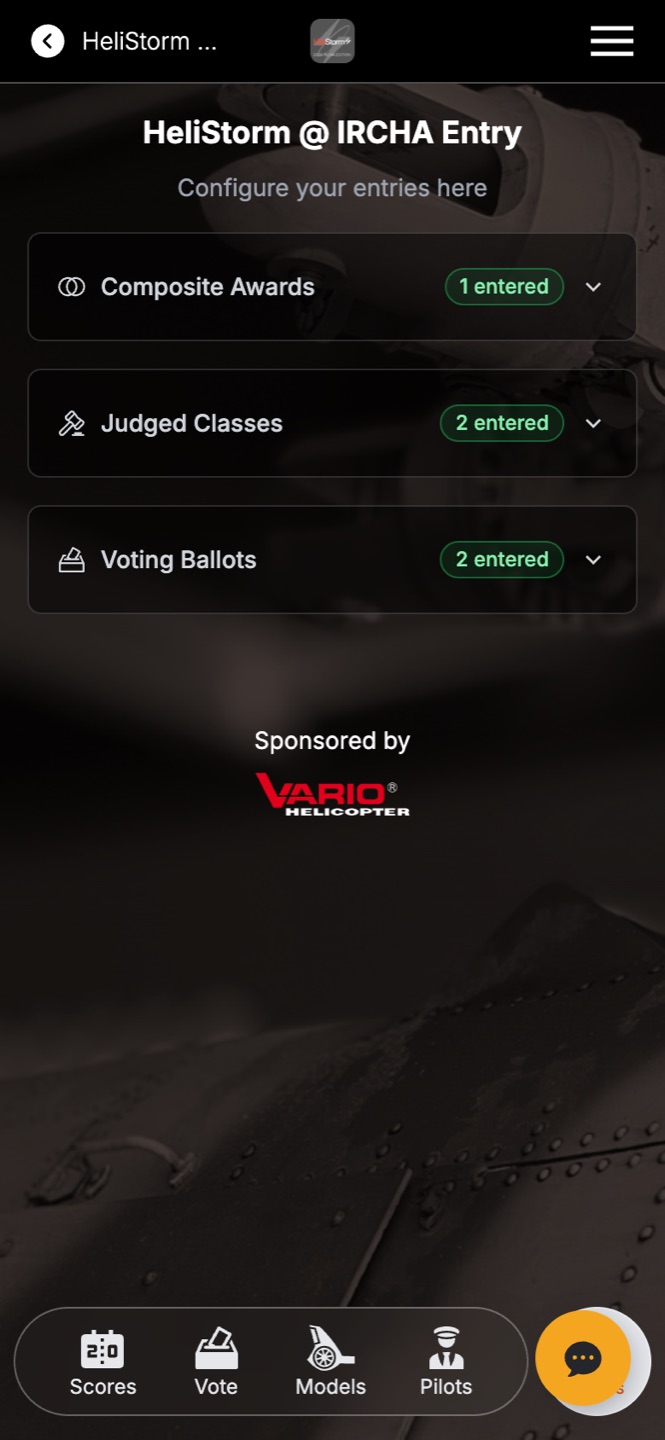
Tapping into a class or ballot slides up a guided panel with a required-steps checklist and progress bar: choose an entry from their library (or create one on the fly), complete any class-specific steps, and tap Update Entry. Status chips on every card show Complete, Not entered, or Withdrawn at a glance.
The full walkthrough — with screenshots of every screen — lives in the Contestant Experience topic on the help center home page: