
After signing in, a contestant lands on the entry screen — their home base for your event. Everything they can enter is organized into three collapsible sections, each with a live count of what they've already done:
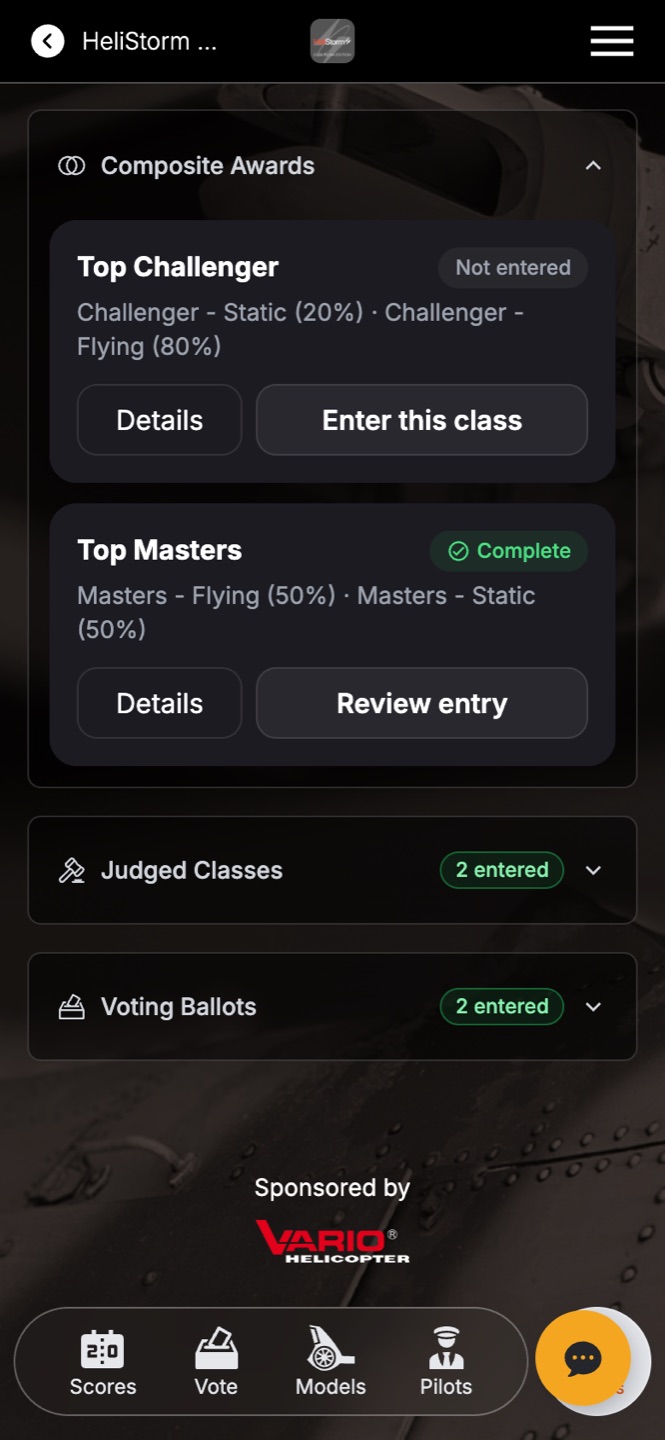
- Composite Awards — overall awards that blend several class scores (e.g. Top Masters = 50% flying + 50% static).
- Judged Classes — the classes scored by your judges.
- Voting Ballots — ballots where they can put an entry forward for the audience (or their peers) to vote on.
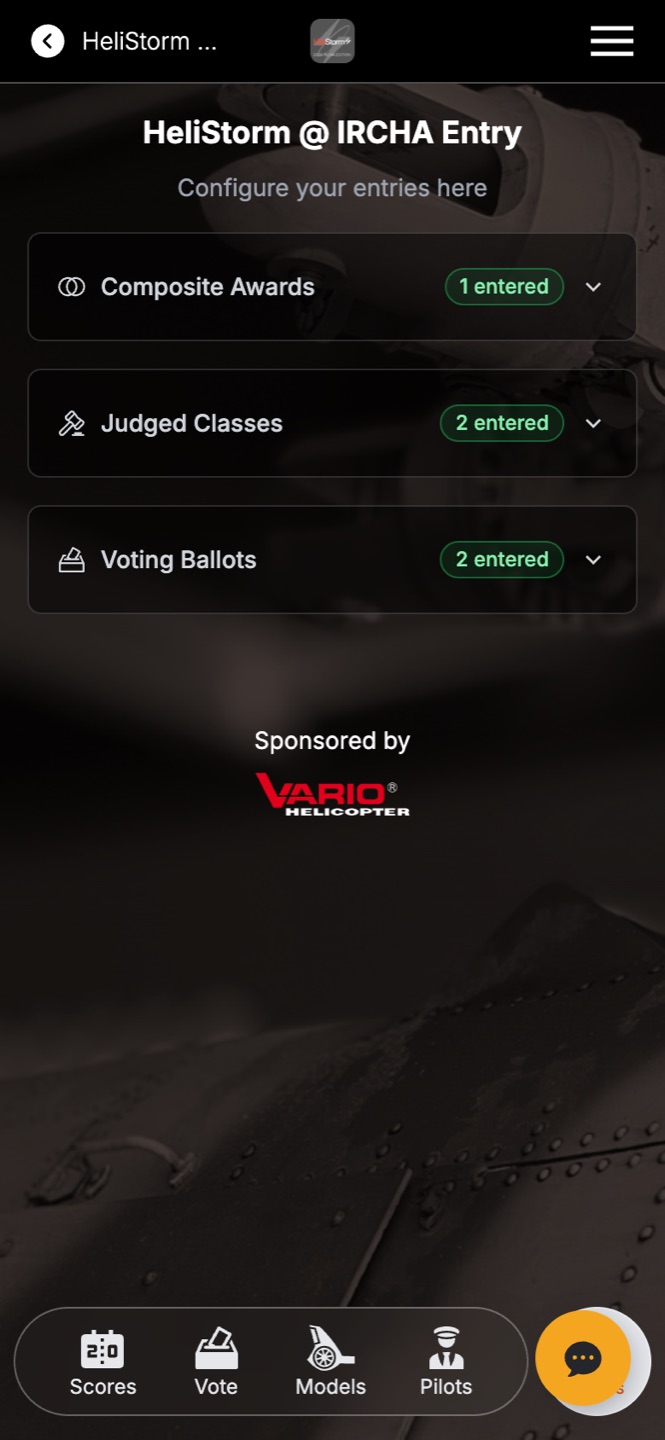
Status at a glance
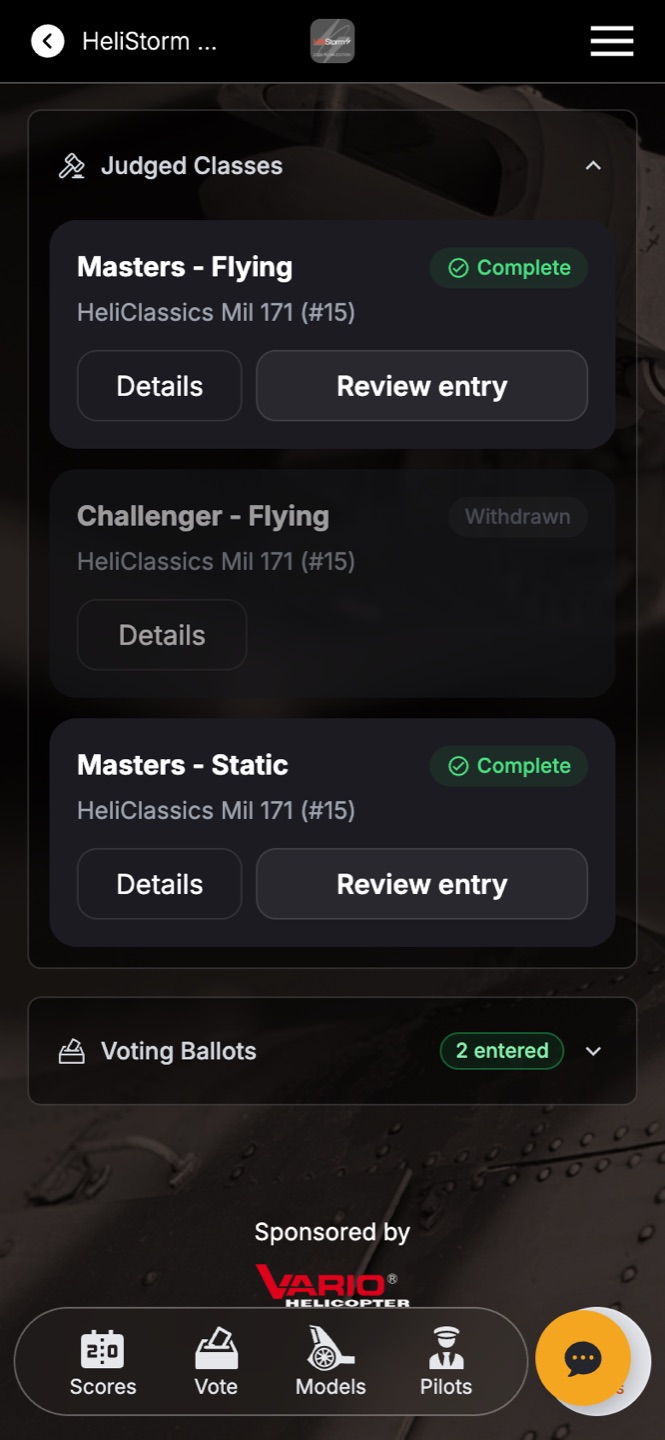
Opening a section shows one card per class or ballot, and every card carries a status chip: Complete (green), Not entered, or Withdrawn. Each card has two buttons — Details (what this class is, how it's weighted) and one big action button that always says the right thing: Enter this class, Review entry, or Modify.
The bottom navigation
The tab bar along the bottom keeps the rest of the event one tap away: Scores (live standings), Vote (open ballots), plus the event's entries and contestants — and the gold button that returns to this entry screen. The labels speak your event's language: an RC event shows Models and Pilots, a car show shows Cars and Owners.