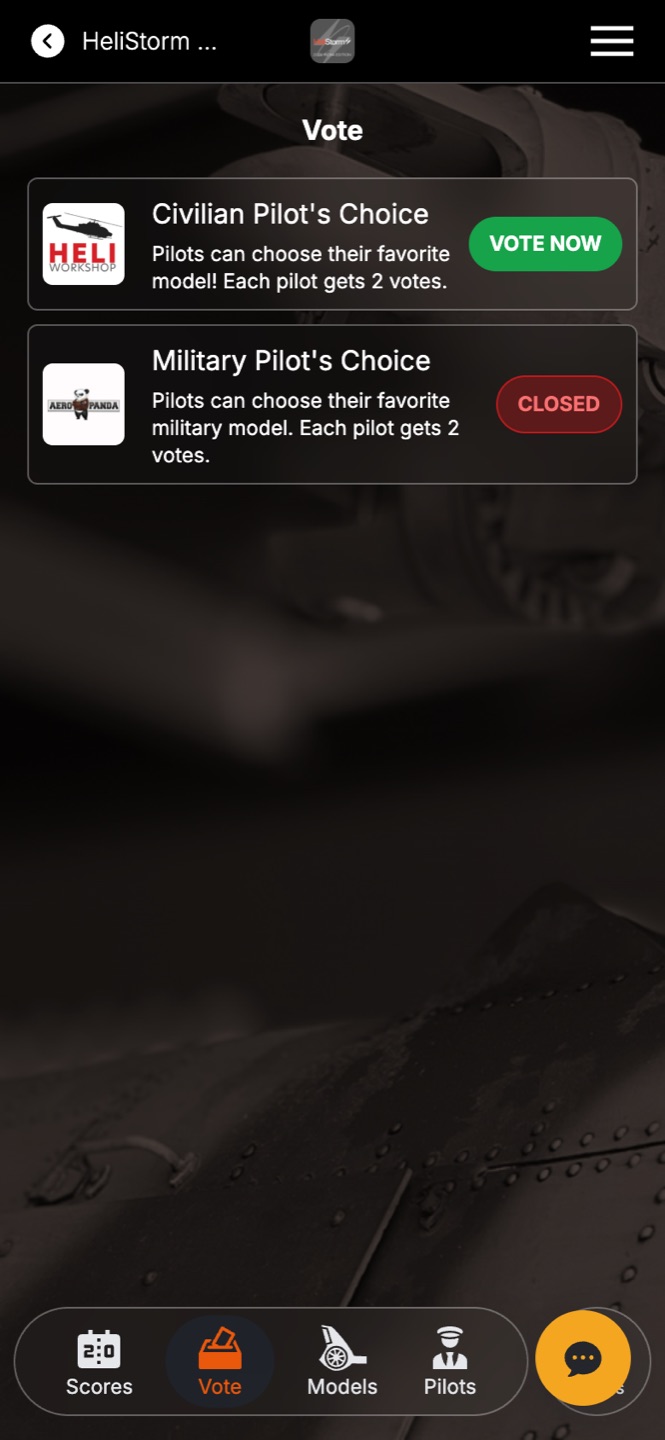
Two different things happen around ballots, and keeping them straight will save you confusion on event day:
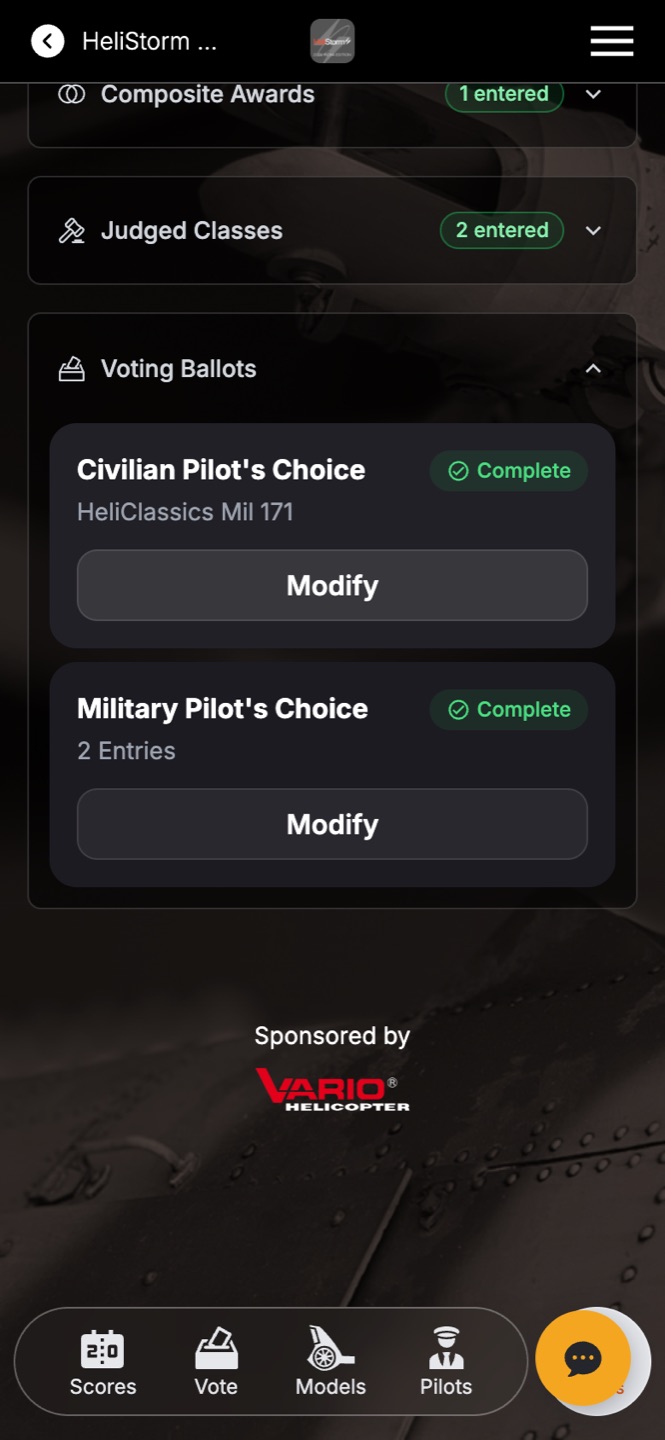
- Entering a ballot — a contestant puts their own entry forward to be voted on. This happens on the entry screen, under Voting Ballots.
- Casting a vote — anyone eligible (fans, pilots, attendees — whoever your ballot allows) picks their favorites. This happens on the Vote tab.
Entering
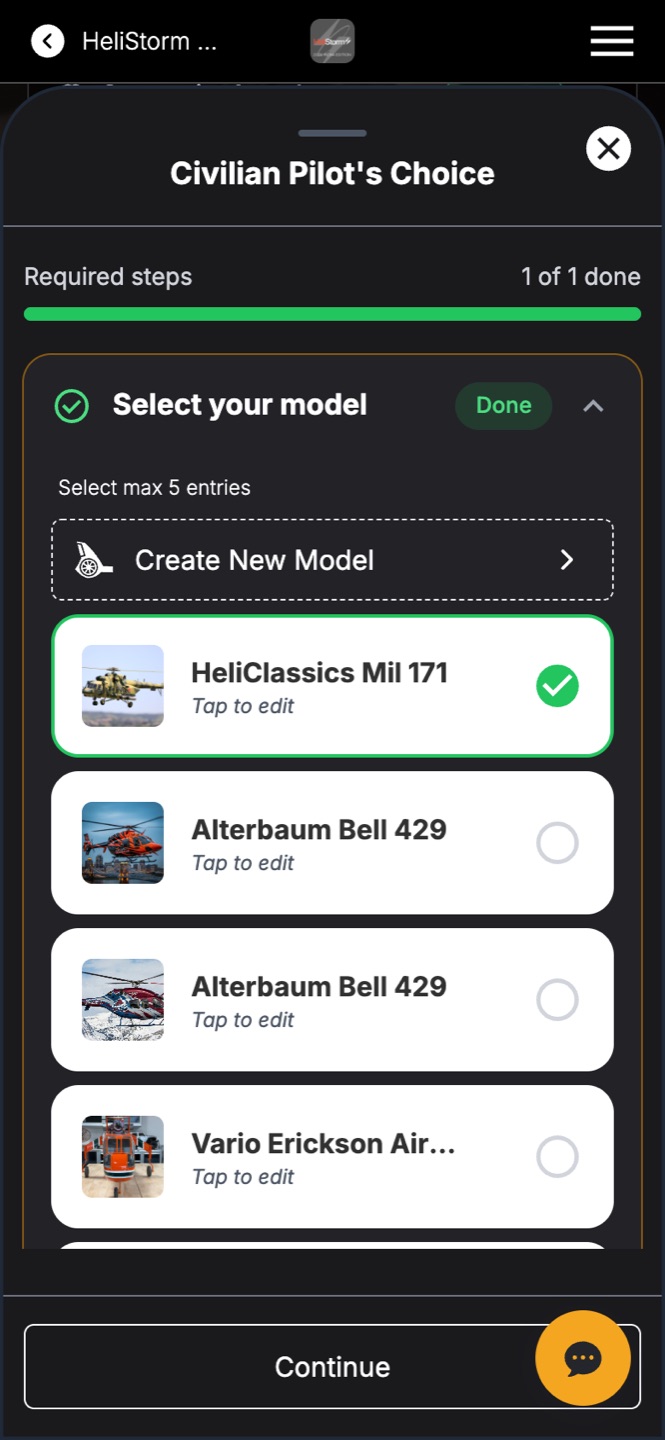
Under Voting Ballots, each ballot card shows its status and description. Tapping Enter opens the same slide-up panel as classes — the contestant selects which of their entries to put on the ballot (some ballots accept several; the panel says how many), taps Save Entry, and the card flips to Complete.
Voting
The Vote tab lists every ballot with its live status — a green VOTE NOW when it's open, CLOSED when it isn't. Voters browse the entries (with the photos contestants added) and tap to cast their votes, up to the per-voter limit you set.