
Website Widgets
Widgets are the live numbers on your site: the stat bar band and the hero countdown clock.
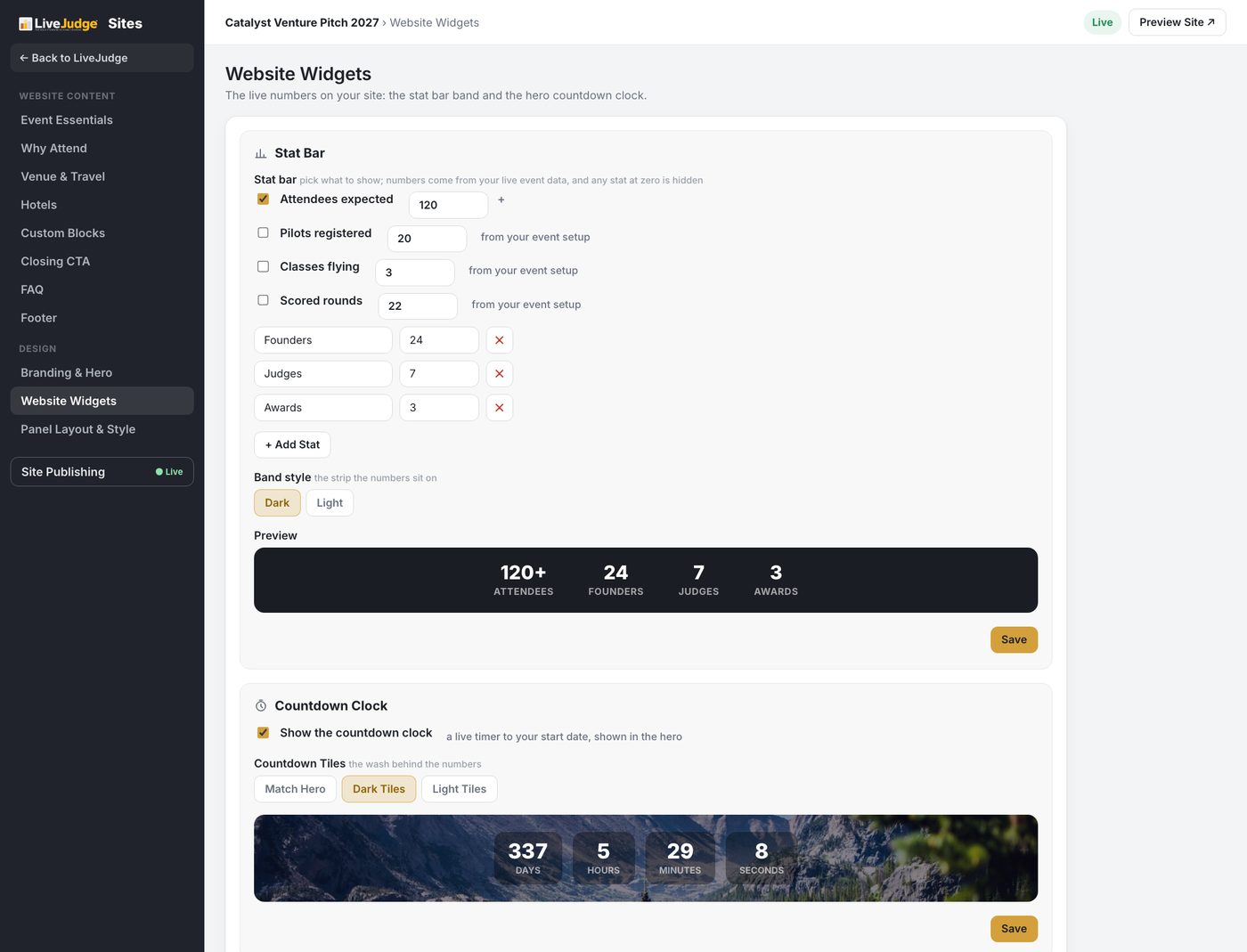
The stat bar is a pick list. Tick the numbers you want shown, and they come from your live event data rather than from anything you retype here. Any stat sitting at zero is hidden, so an event that has not opened registration yet does not advertise a row of noughts. You can add your own stats too, with whatever label and number you like.
Band style switches the strip the numbers sit on between dark and light. The countdown clock is a live timer to your start date shown in the hero, and its tiles either match the hero or take a dark or light wash of their own. Both have a preview right under the controls.
Panel Layout and Style
This is the running order of your site, top to bottom. Drag a row to move a section, and every row carries its own visible tick, so you can hold a finished section back without deleting anything. The header sits above the list and the footer below it, because those two never move, and the hero and stat bar are always first.
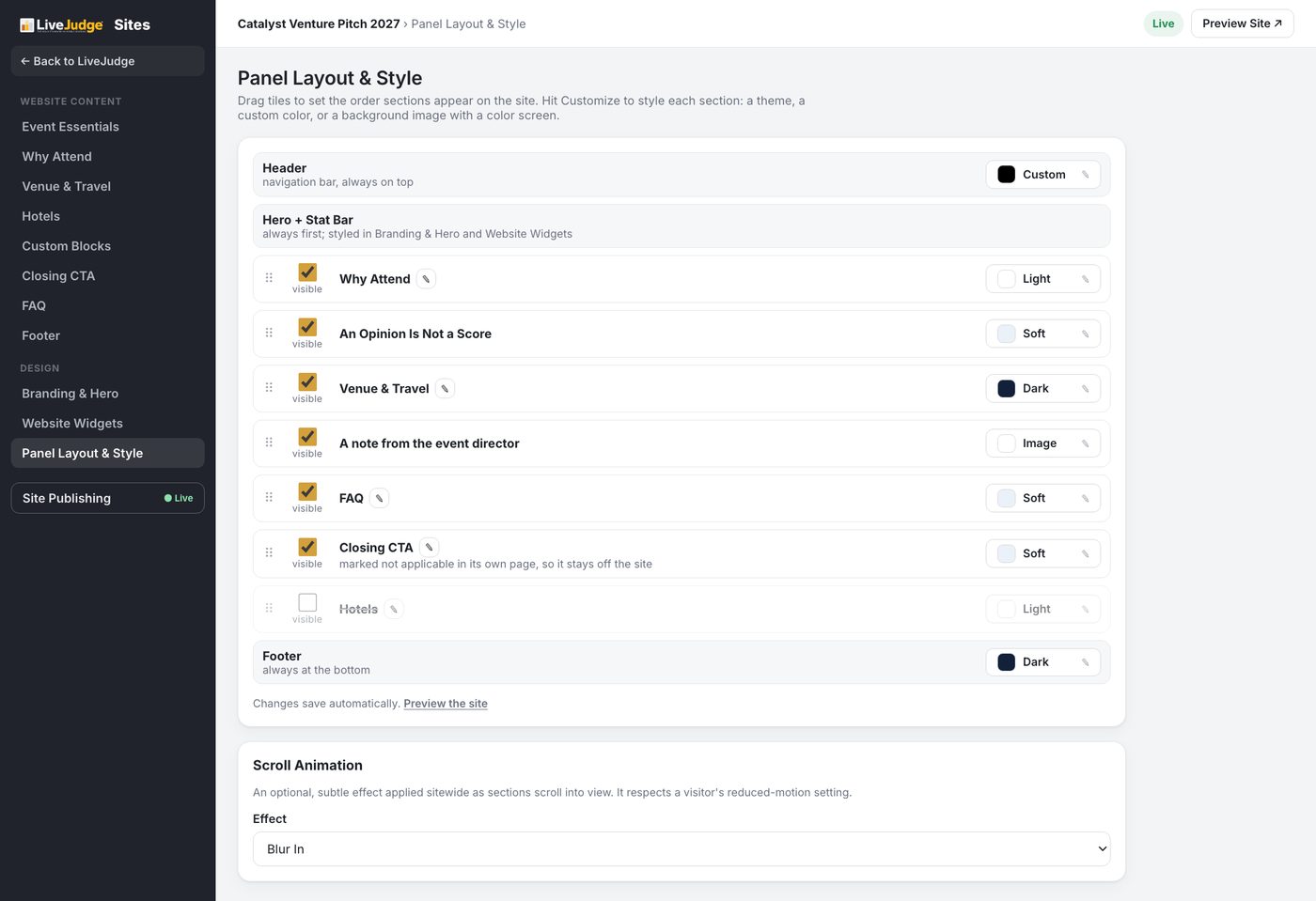
The control on the right of each row styles that section on its own: light, soft, dark, a background image with a color screen, or a custom color. A section you marked Not applicable on its own page shows here greyed out, with the reason spelled out, so the two places never disagree.
Changes on this page save automatically. Under the list, Scroll Animation applies one optional, subtle effect sitewide as sections come into view, and it respects a visitor's reduced-motion setting.