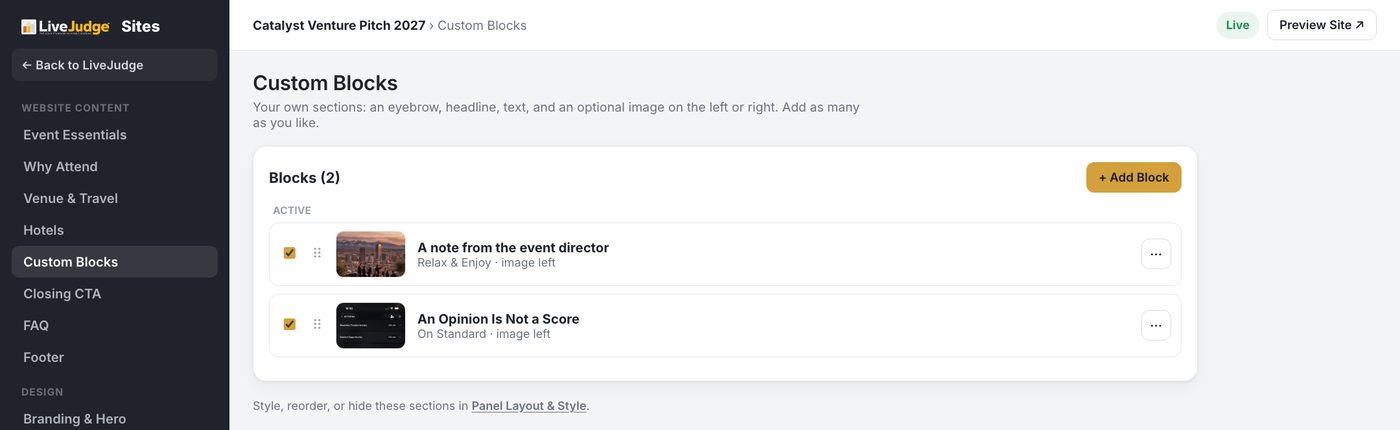
The builder's left rail lists every section your site can have: Why Attend, Venue and Travel, Hotels, Custom Blocks, a Closing CTA, an FAQ and the Footer. Each one is its own page in the builder, and each one edits the same way.
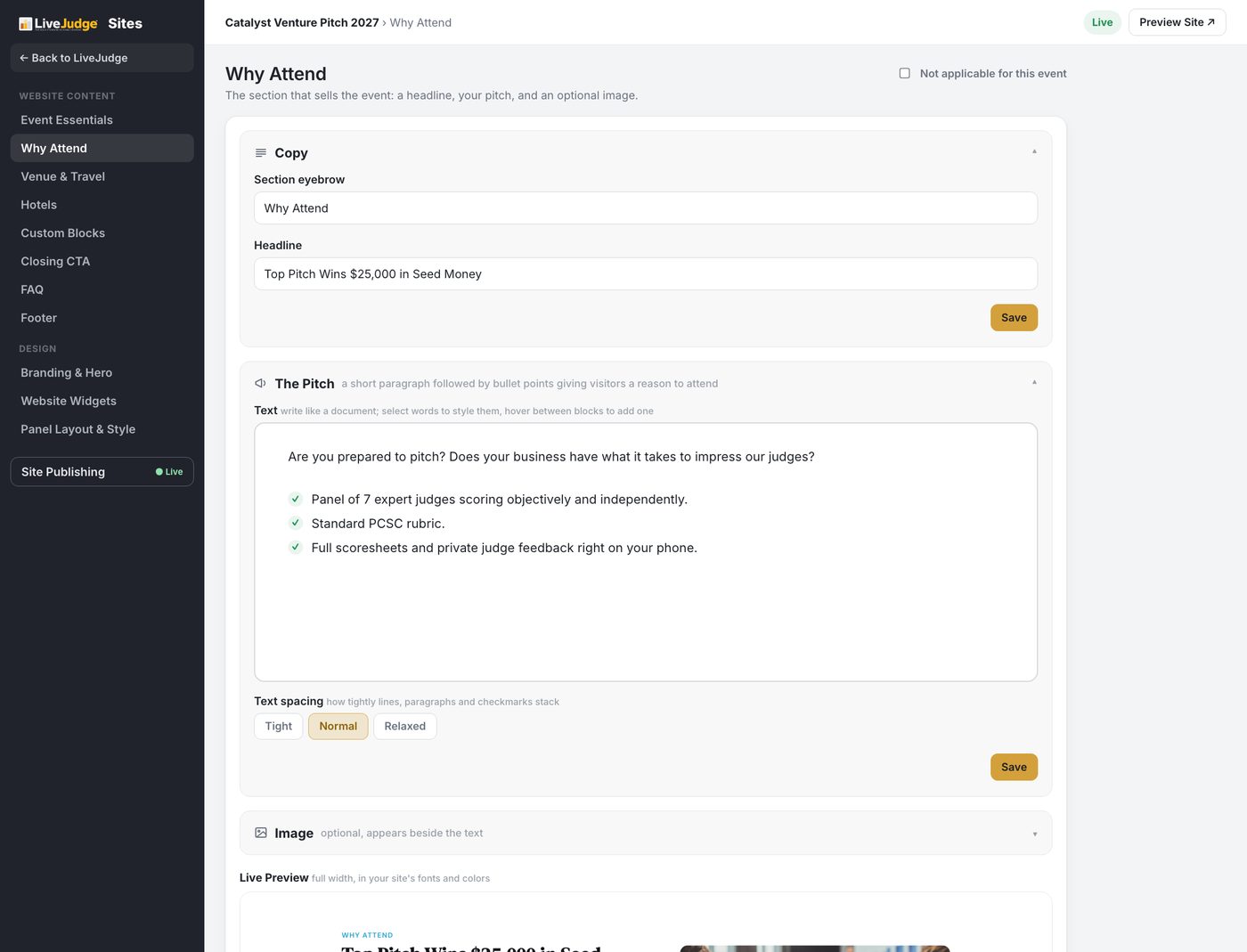
Every section has the same three parts
- Copy: the small eyebrow label above the heading, and the headline itself.
- The text: write it like a document. Select words to style them, and the checkmark list stacks as tightly or loosely as you like with the Tight, Normal and Relaxed spacing control.
- An optional image that sits beside the text.
Below the controls is a live preview at full width, in your own fonts and colors, so you are never guessing what the section will look like.
Sections you do not need
Every section carries a Not applicable for this event checkbox in its top corner. Tick it and the section is off. You do not have to invent hotel information for a one day event.
Your own sections
Custom Blocks are sections you invent: an eyebrow, a headline, text, and an optional image on the left or the right. Add as many as you like.