
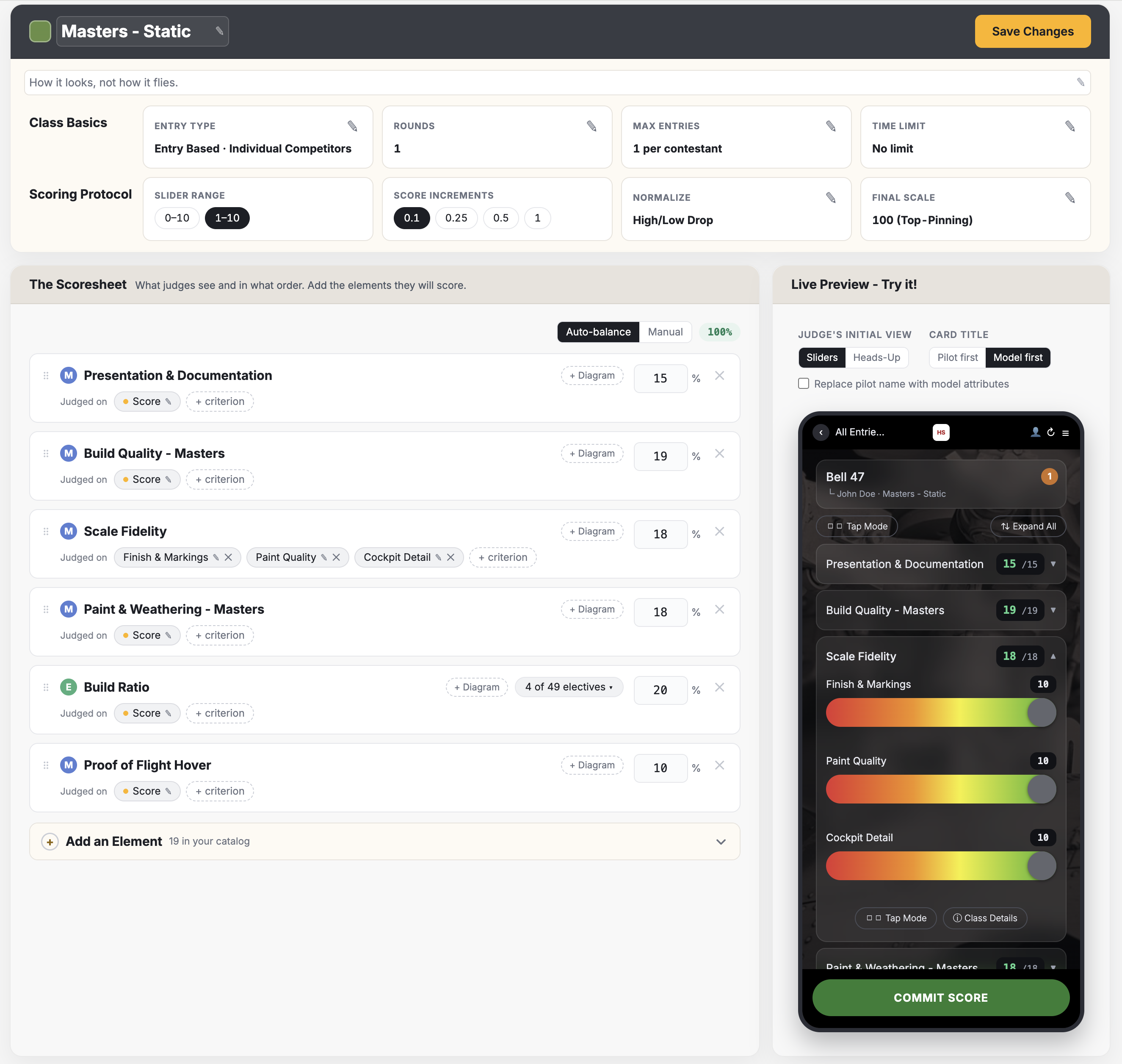
You may be wondering how to set up your score sheet which has ranges that are not 1-10. The short answer is that you can preserve your exact rubric, but in our system, that rubric will be converted into a smarter, more precise interface for your judges, while keeping the math identical to how you had it. The slider range itself is always 1-10 or 0-10: here is why that makes your rubric more precise.
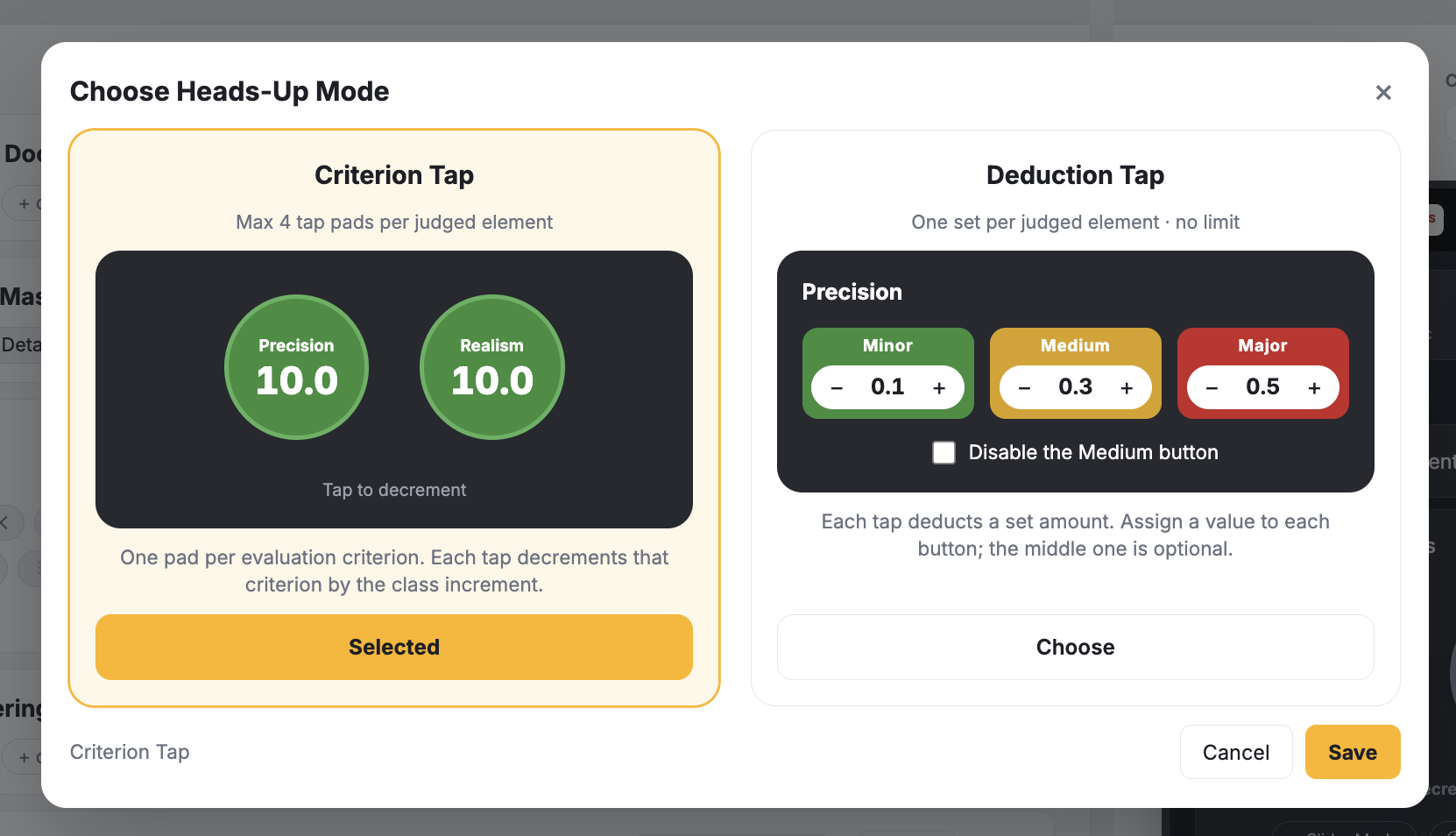
For each class, you can specify the default judge interface (sliders or tap buttons). Judges can always change this on the fly. Tap buttons work by decrementing the contestant's score from 10 all the way down in increments you specify in the screen shown below.
If you are curious as to how LiveJudge handles variable scoring ranges per element. view this paper score sheet.