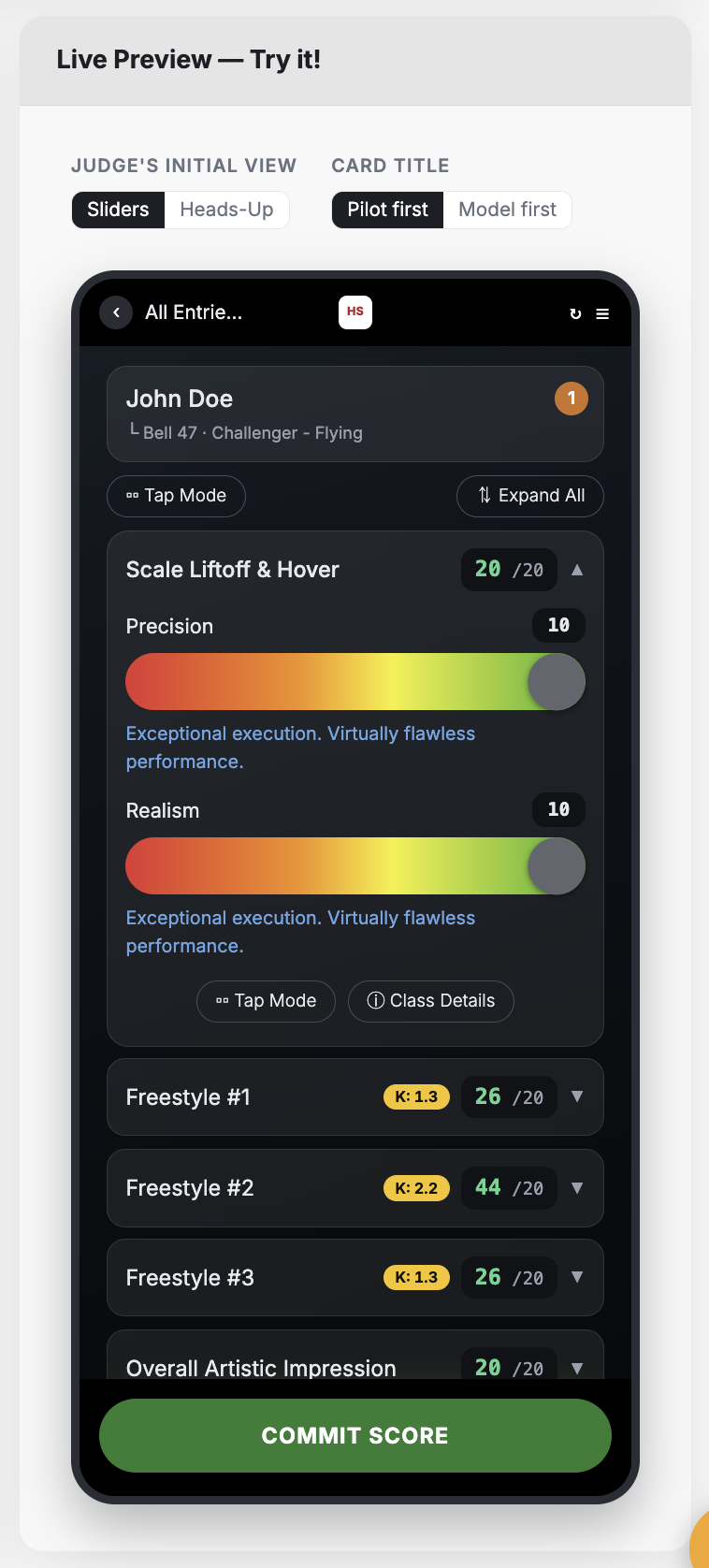
Judging Display Layout. This control allows you to specify the DEFAULT VIEW of the screen where judges enter scores from their mobile devices. In most cases, the slider view is recommended. For events that require the judge to be "heads up" during the competition, the "Heads-Up Tap" option gives judges two no-look ways to decrement scores.
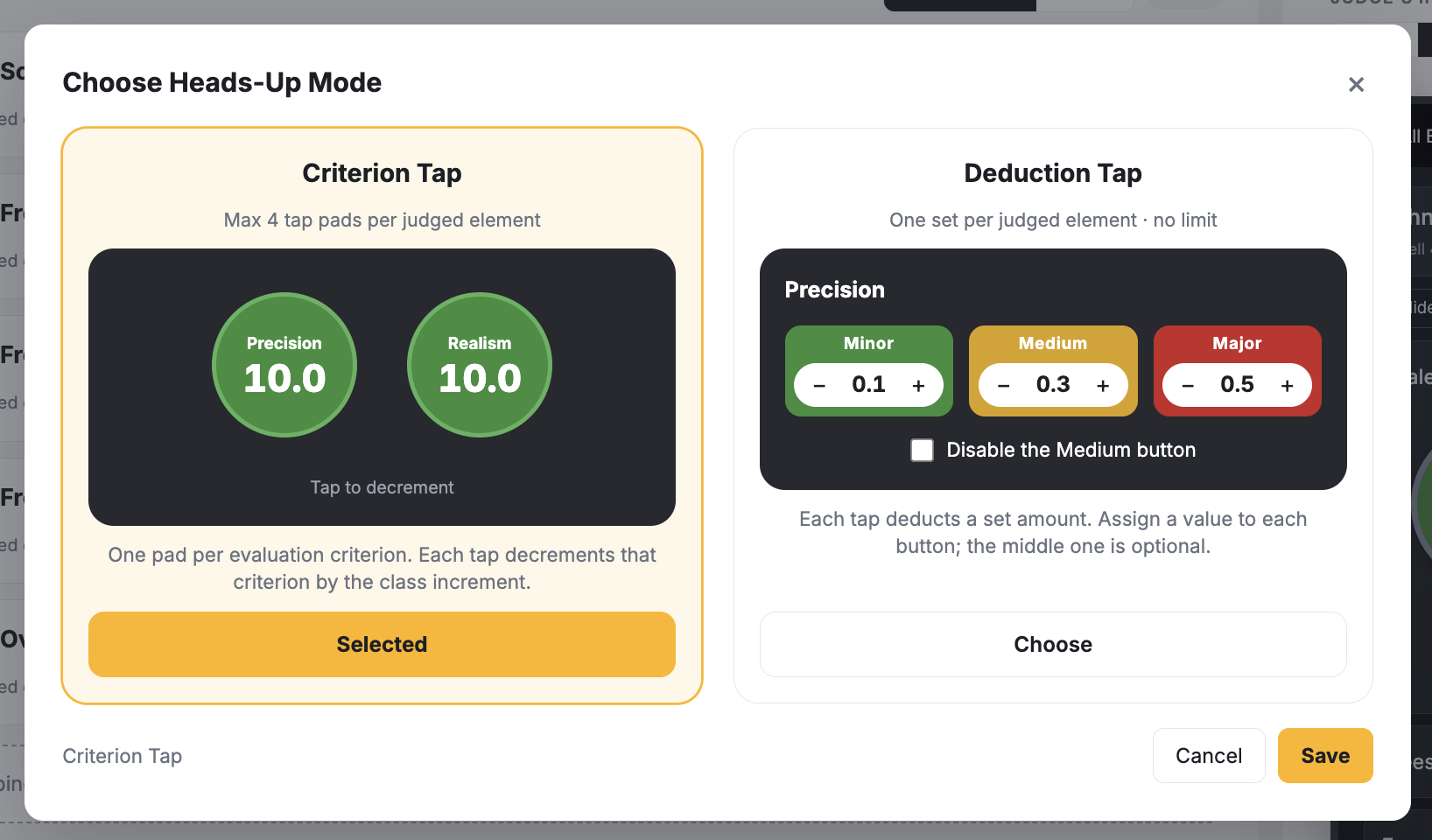
Our "Heads-Up" modes let you choose how judges will interact with the system while keeping their eyes on the competition. The deduction variant allows for 2 or 3 deduction blocks that quickly reduce the score by the specified increment. Each evaluation criterion has its own set of buttons.
The criterion tap mode has a single tap button for each criterion, but you are limited to 4 total per judged element. Tapping reduces the score by the class increment (e.g. .1, .25, .5).
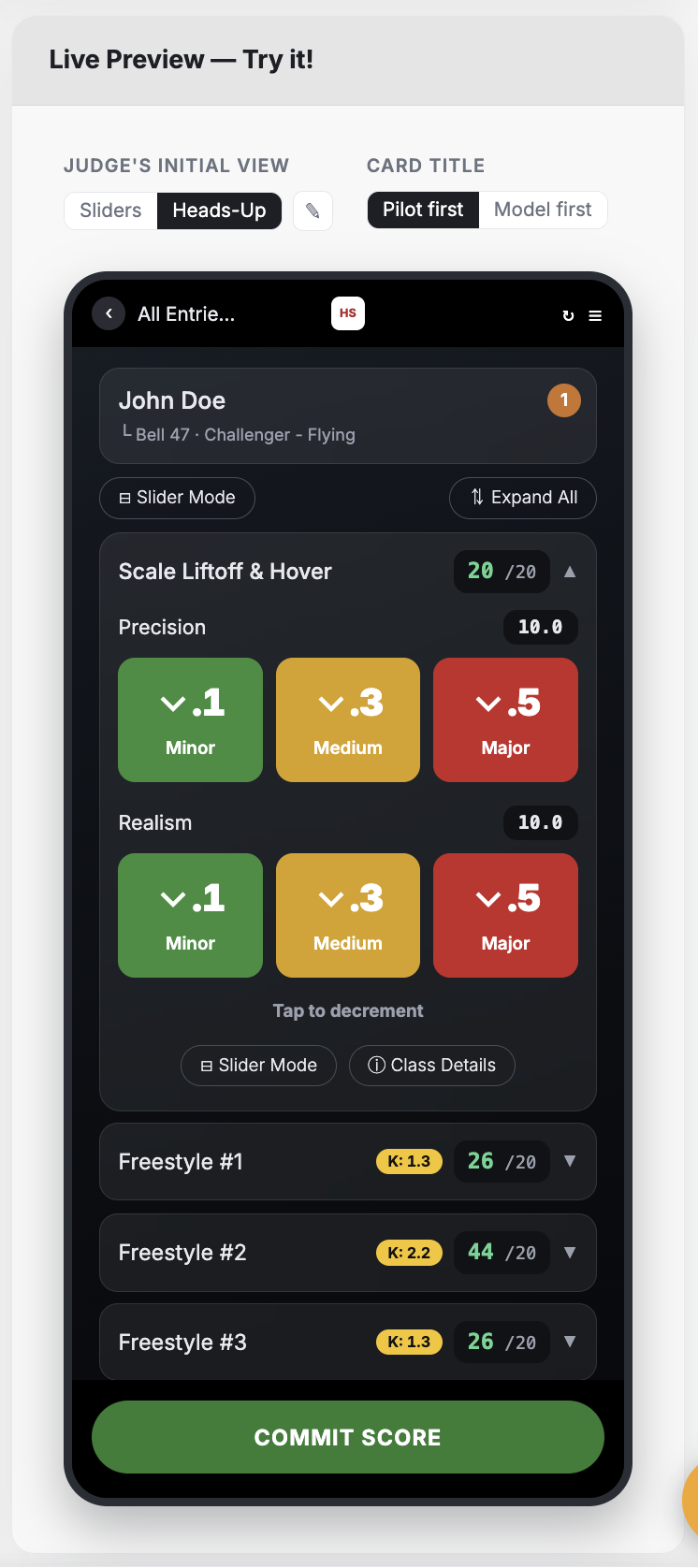
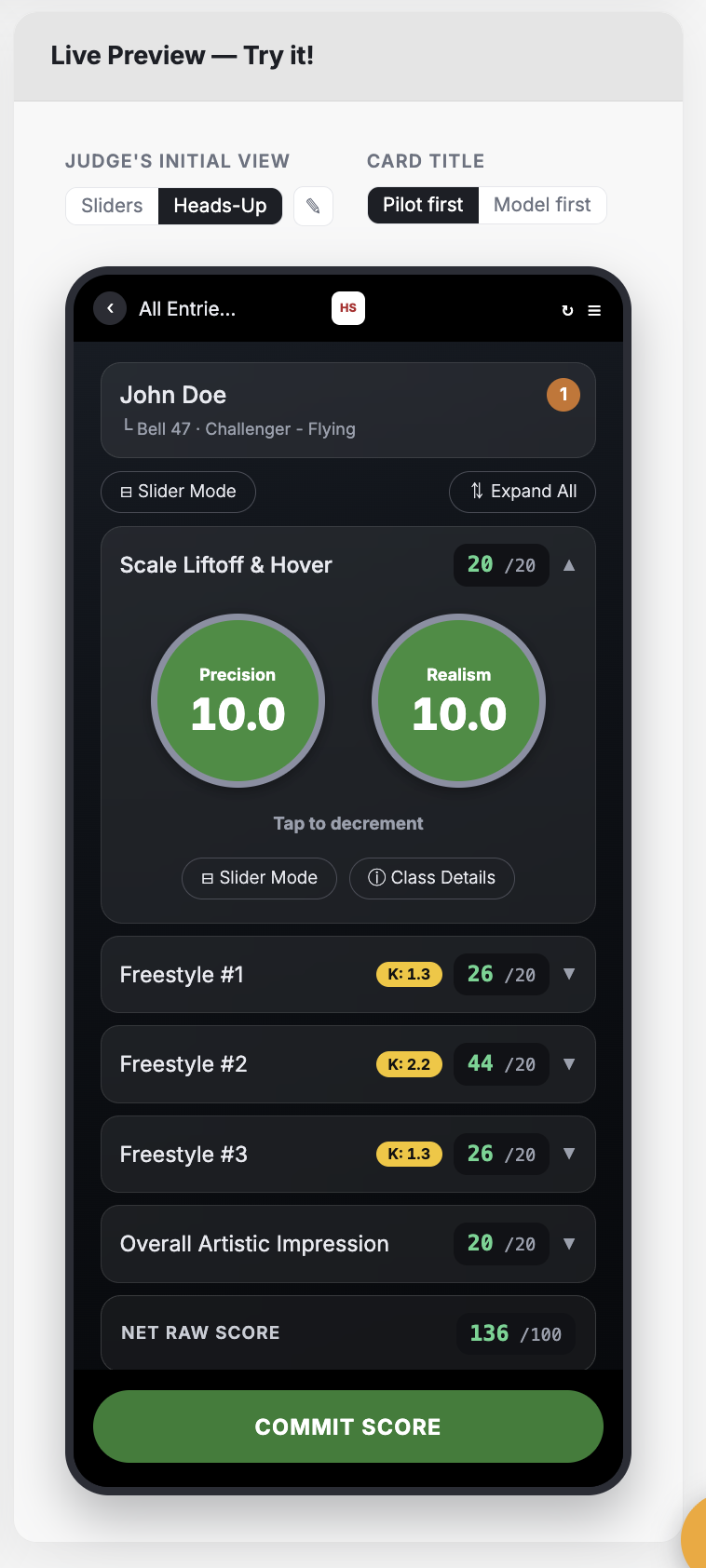
To choose which Heads-Up mode you want, click the edit icon adjacent to the view toggle.
Judges can change their screen layout on the fly at any time. Setting a default just makes it a bit easier.
Scoring Display Layout. This control appears in entry-based events only (e.g. car shows, science fairs, and any other event where the contestant can have one or more entries that are judged). The options on this screen allow you to give primacy to either the contestant or the entry in the mobile view. You can also hide the contestant's name if you wish to maintain strict privacy. This control is hidden for individual events (like dance, cheer, etc.).
Contestant-Centric View
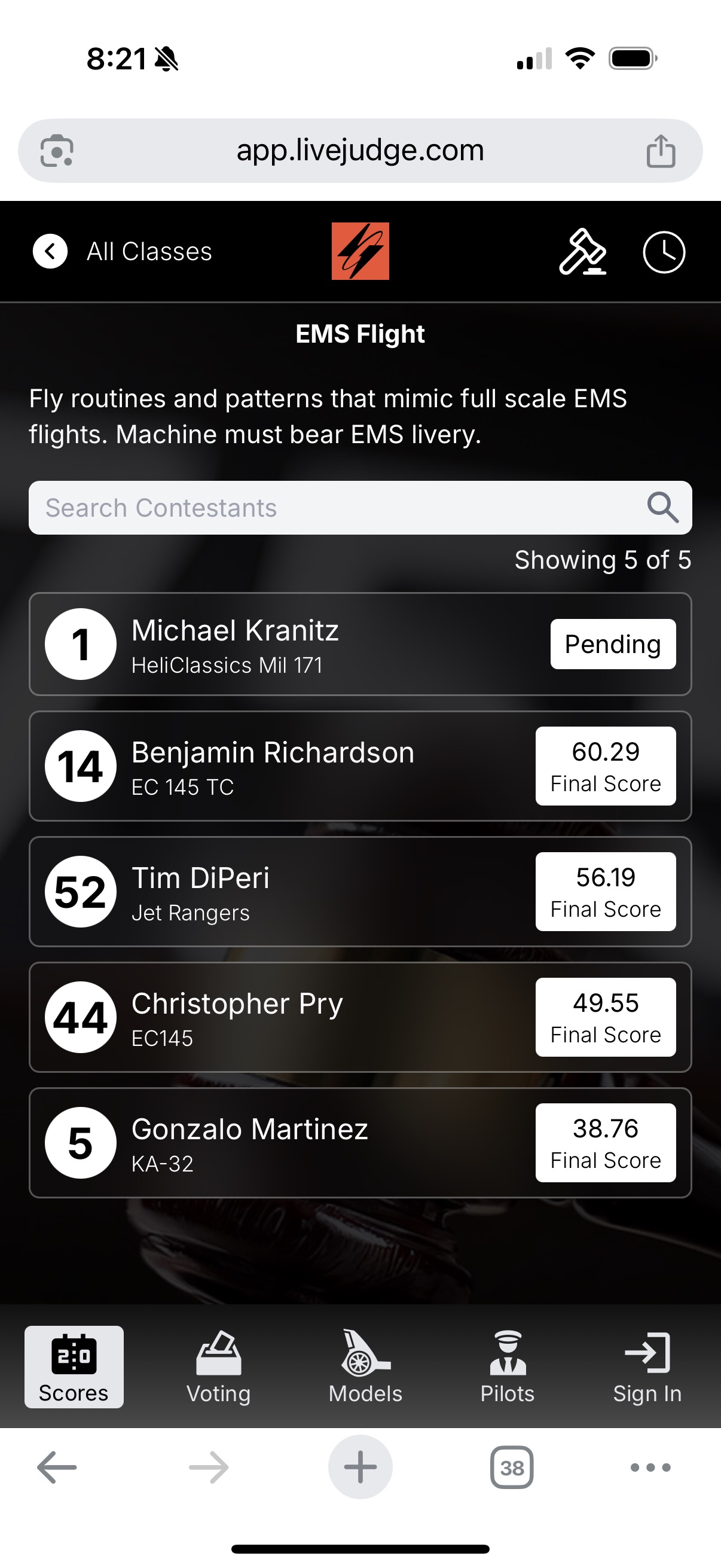
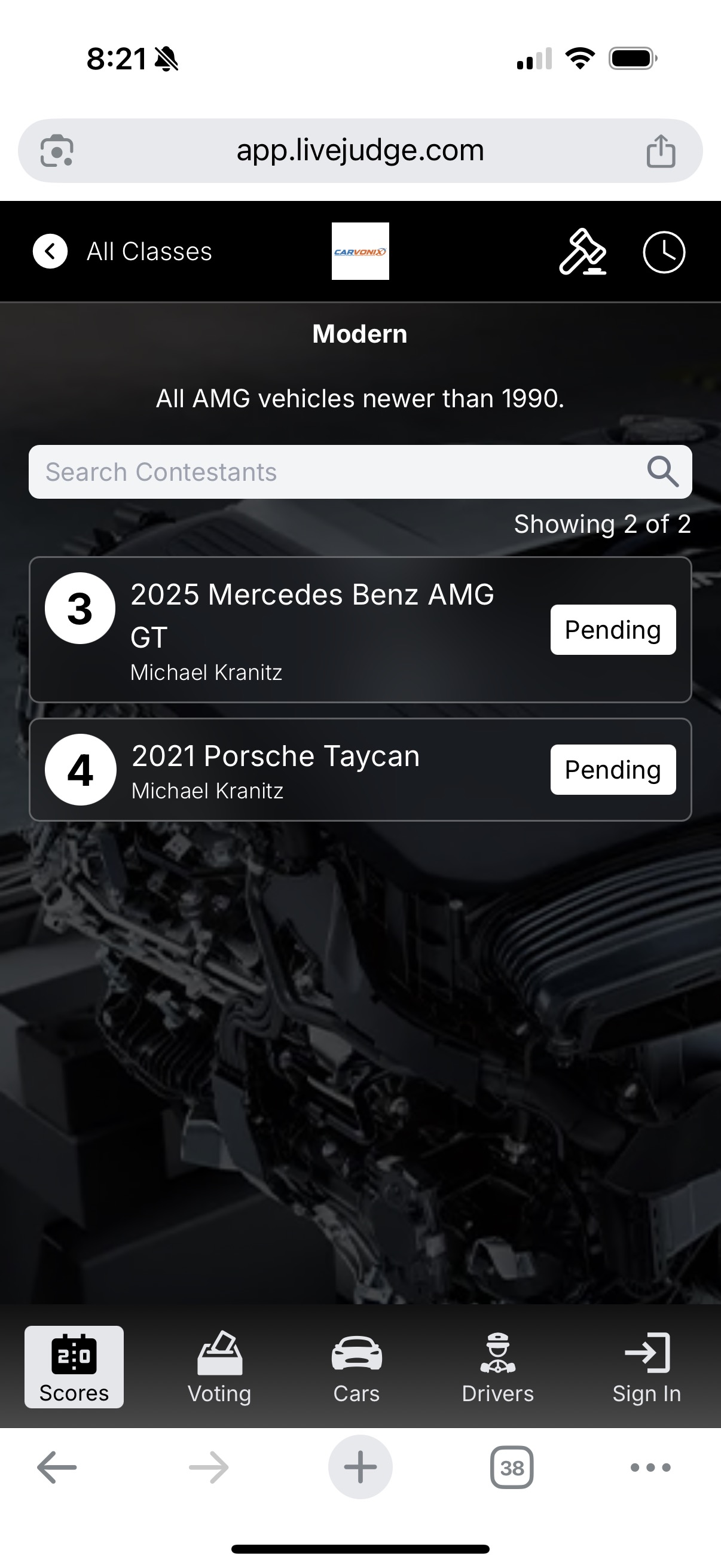
The Scoring Display Layout controls shown above, result in different views, based on your chose to focus on the contestant or the entry. In classes where the contestant's performance is being judged, use the contestant-centric display. Notice that the contestant's name is prominent on the score tile. (In individual-based event types, like dance, cheer, snowboarding, etc., all views will be automatically set to contestant-centric).
Entry-Centric View
In classes where the entry is being judged (like a car show), use the entry-centric view. In classes that permit more than one entry by the same individual, use this view because it treats the entry as the contestant and the individual's name is subordinate.